Vibe coding PCF Controls with GitHub Copilot
What if you could build a PCF control without writing most of the code yourself? I just tried vibe coding with GitHub Copilot – describing what I want and reviewing its solutions. My goal: A JSON viewer for Power Apps that works in both Canvas and Model-Driven Apps.
Back in 2020, I built the PCF-MarkDown Viewer. Let me tell you, that was an adventure. Installing the Power Platform CLI, wrestling with XML manifest files, configuring TypeScript, debugging webpack builds. Hours of setup before I could write a single line of actual component logic. But hey, it worked, and I wrote about the journey.
Fast-forward to 2026. This time was different.
Enter “vibe coding” with GitHub Copilot Coding Agent. Instead of manually scaffolding projects and wrestling with configuration files, you describe what you want in a GitHub issue. The agent reads your requirements, plans an implementation, and generates the code. You review it, test it, and iterate.
I decided to put this to the test with PCF-JSONViewer. My goal was simple: Create a React-based PCF control that makes JSON readable in both Canvas and Model-Driven Apps. Include DevContainer setup, unit tests, and GitHub workflows for CI/CD.
Did it work? Yes. Was it perfect on the first try? Not quite. Did I hit GitHub Copilot premium limits halfway through? Absolutely.
But that’s exactly what makes this story worth telling. This isn’t about AI magically solving all your problems. This is about a new way of working where you describe intent and review solutions instead of typing every line yourself.
Let me show you what happened.
Vibe coding My First PCF Control
First, I created a new issue in my empty repository.
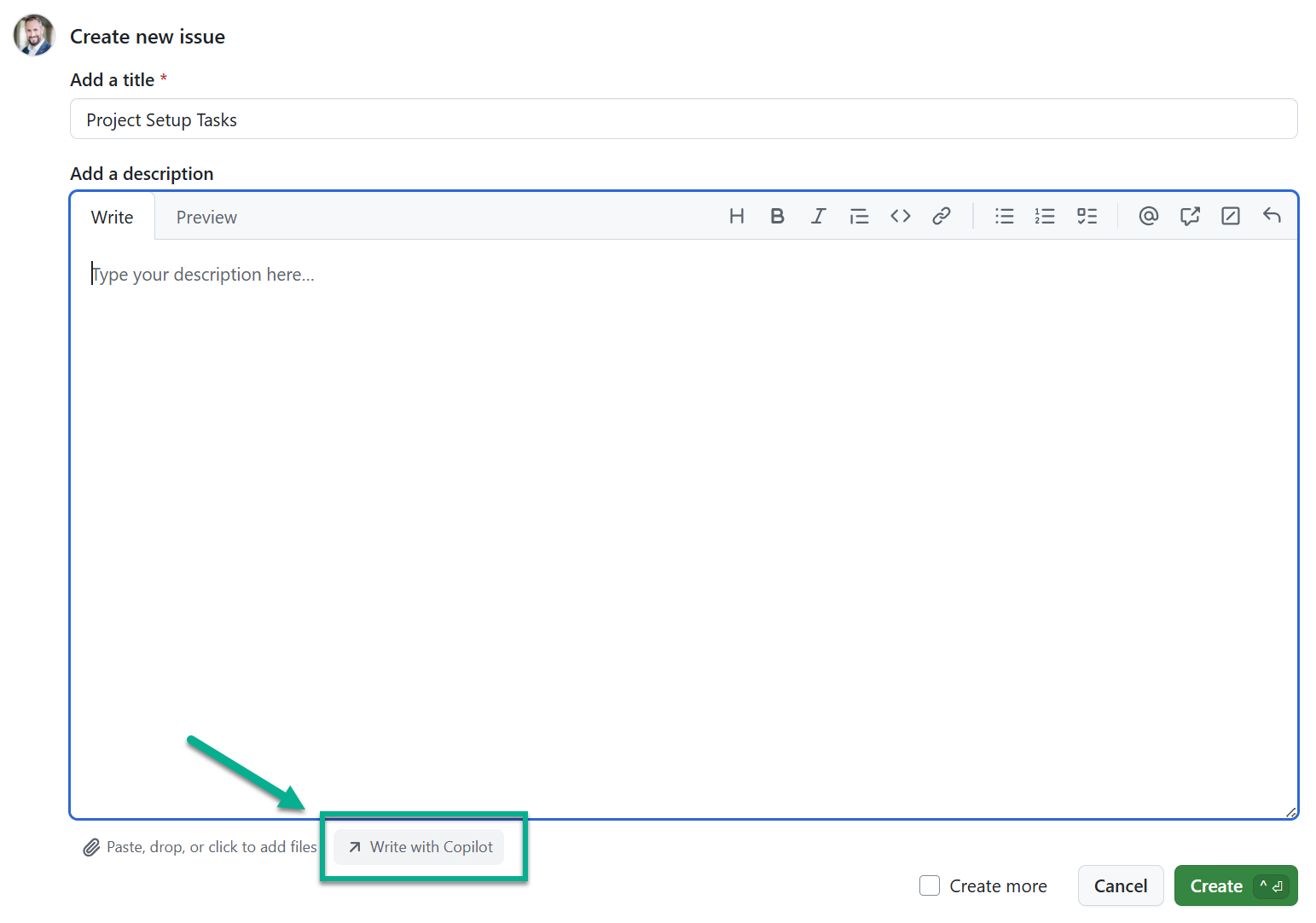
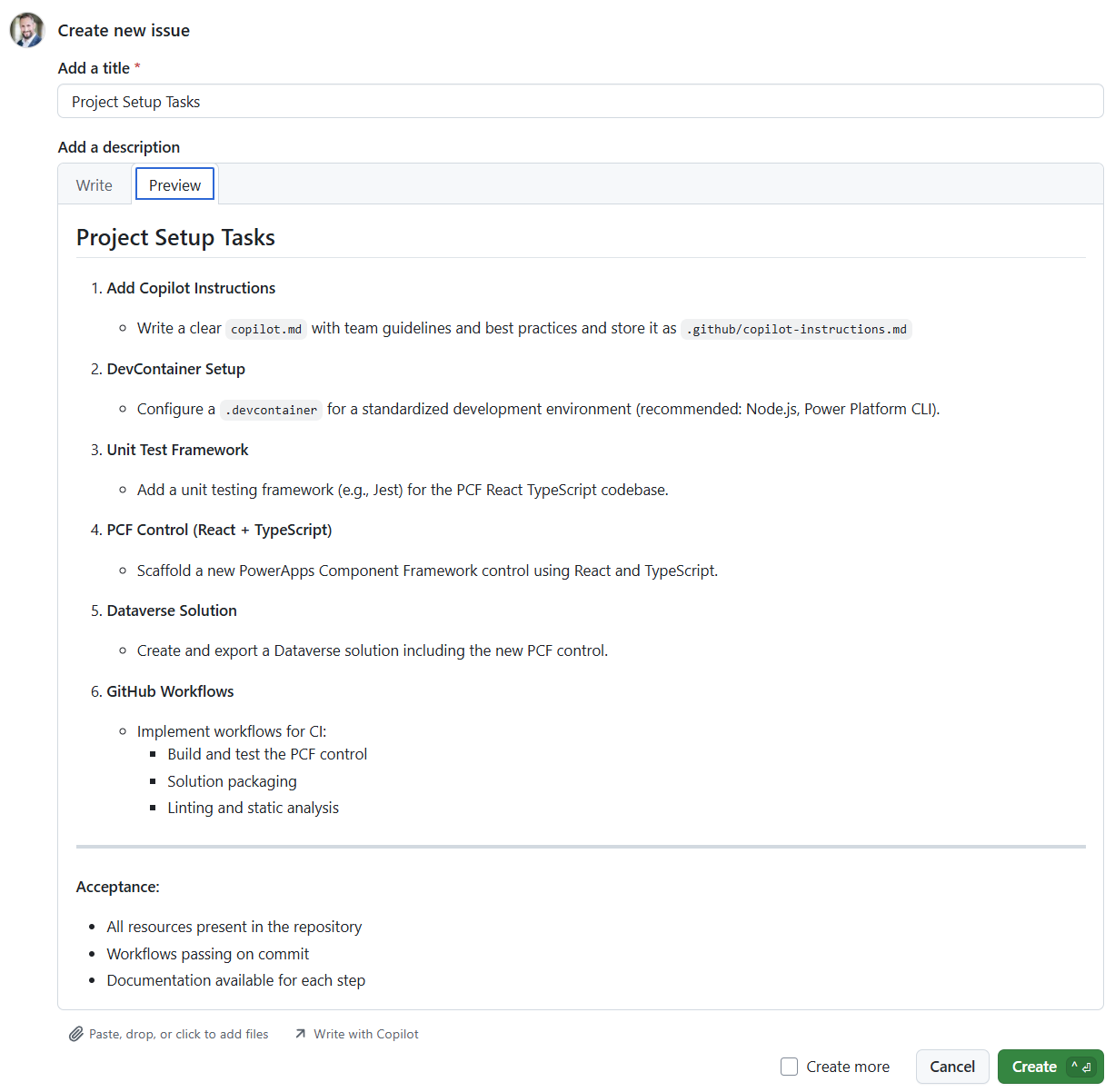
You see, I discovered the “Write with Copilot” button and opened a new chat. I described my goal: a PCF control for visualizing JSON in Power Apps. We had a conversation about the requirements. DevContainer setup. Unit testing with Jest. React and TypeScript. GitHub workflows for CI/CD. Dataverse solution packaging.
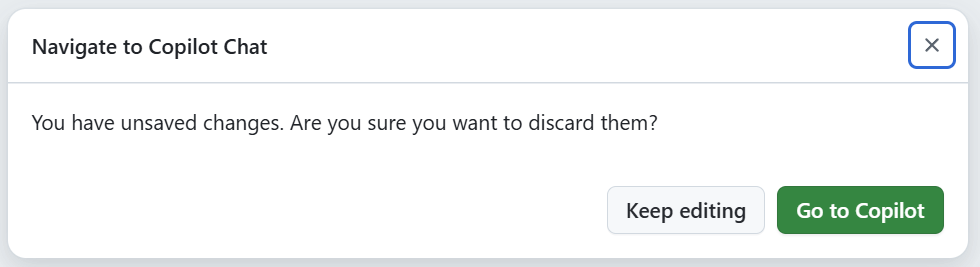
The result of this conversation was my first issue. Clear requirements, structured tasks, and acceptance criteria.
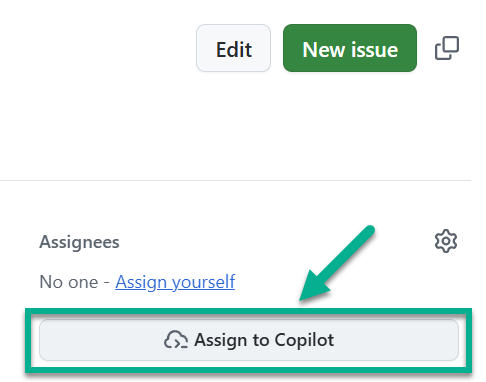
I assigned it directly to GitHub Copilot in the GitHub web UI.
Within minutes, Copilot analyzed the issue and came back with a plan.
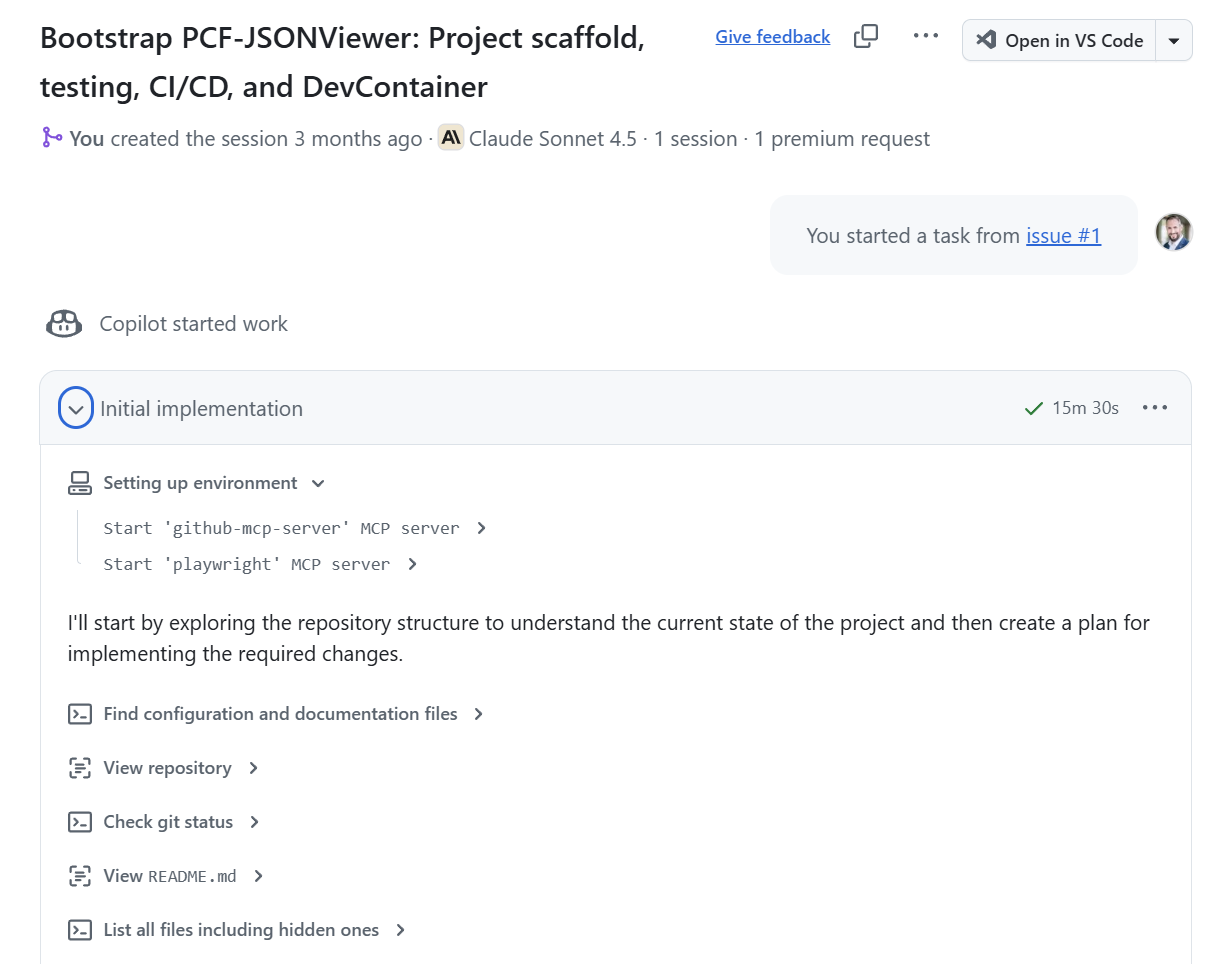
The agent proposed over a dozen files. DevContainer with Node.js and Power Platform CLI. Complete PCF scaffolding with React and TypeScript. Jest tests. GitHub Actions workflows. Even Copilot instructions for the team.
Copilot finished with a pull request that I reviewed and accepted. I was surprised about the comprehensive work it delivered. DevContainer configuration, complete project structure, testing framework, CI/CD workflows. All the tedious setup work that normally takes hours.
But the GitHub workflow’s artifact wasn’t ready for Dataverse. I had to manually fix the solution packaging. Still, the agent gave me 90% in minutes instead of hours of manual setup.
Not perfect. But impressive for a first attempt.
Premium Reality Check
The control worked. I could see JSON data displayed nicely in my Power Apps. But I wanted to iterate. Fix the workflow issues. Add features. Make it production-ready.
I created another GitHub issue. Assigned it to Copilot. And then I saw this:
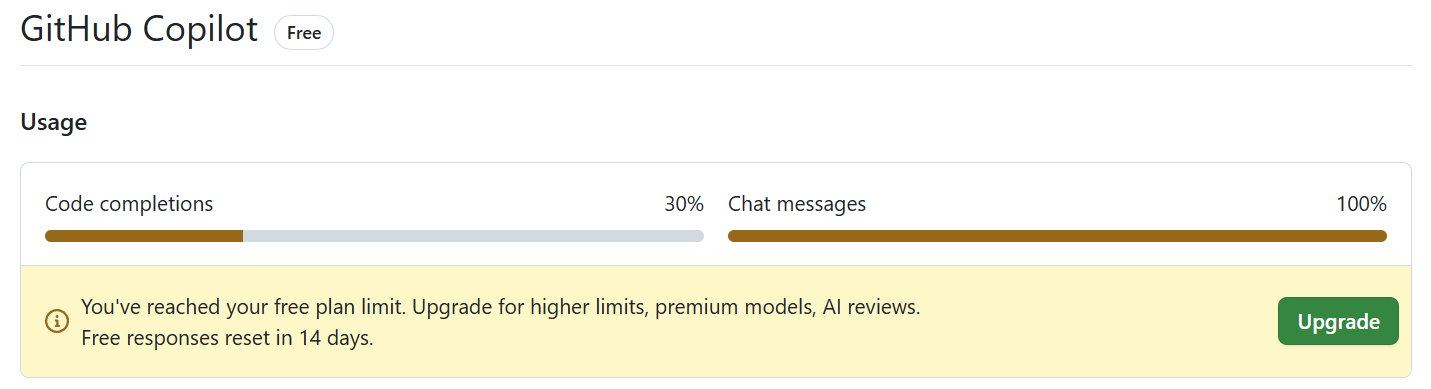
Premium request limit reached.
GitHub Copilot has usage caps for advanced agent features. The complex multi-file operations, the planning, the iterative problem-solving. All of that counts against your monthly quota. I had burned through mine getting the initial project setup.
The message was clear: Wait for the next billing cycle.
So I waited. But the pause wasn’t wasted. I tested the control and found issues to fix.
Agent Iteration Magic
Fresh billing cycle. Fresh premium requests. Time to put those issues to work.
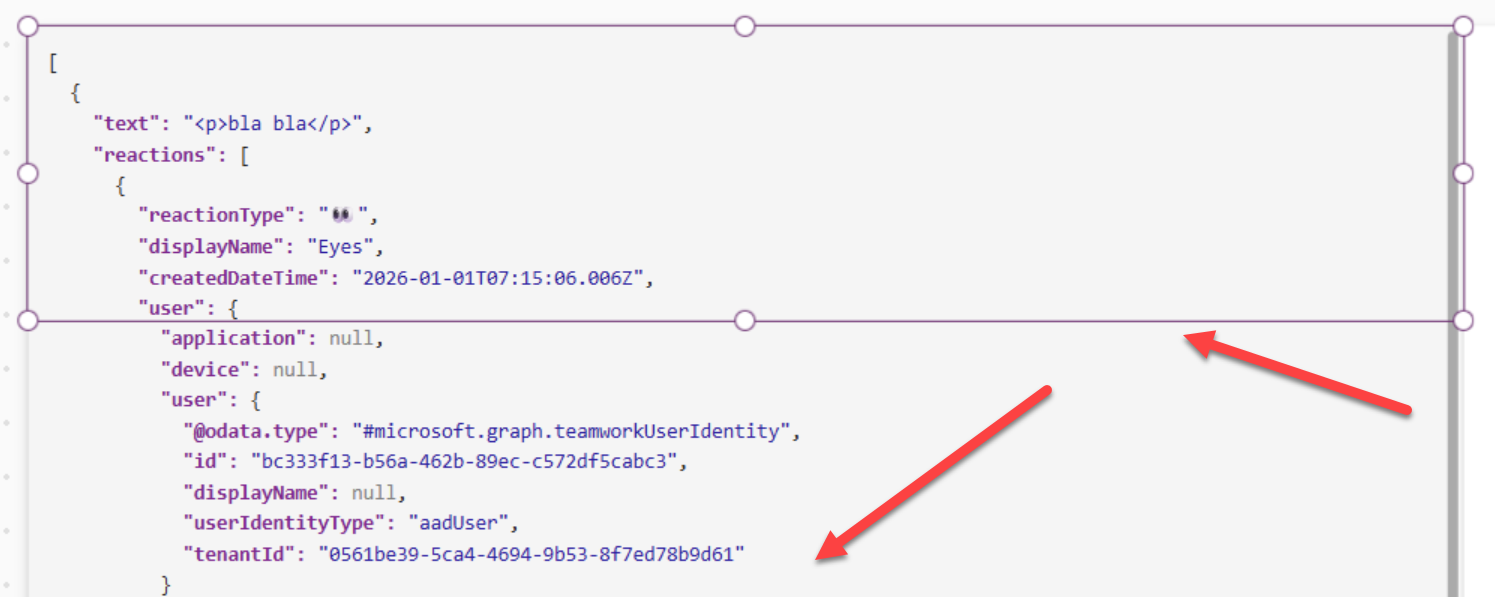
I tested the control in my Power Apps and discovered it was rendering outside its boundaries. The content was bleeding beyond the control’s container.
I also wanted enhancements. Rename it to JSONViewer. I requested a Copy to Clipboard button. Implement auto-sizing based on content. Expose properties for indentation and read-only mode. I wrote it all down in a new GitHub issue in plain language with clear acceptance criteria. As result I got this.
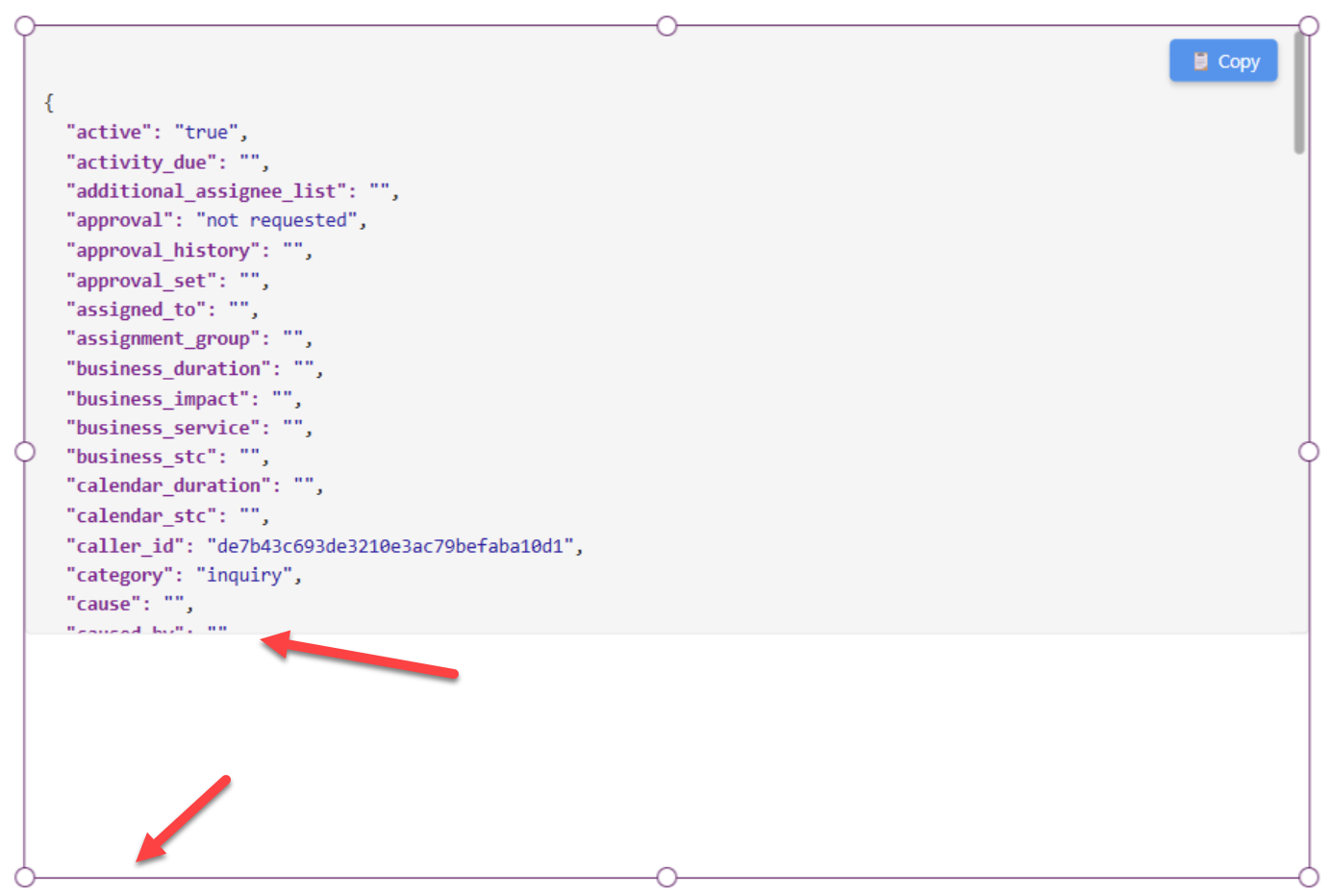
You see, I was still not 100% comfortable with vibe coding at this point. Then I realized something. I could include screenshots directly in my issues. I highlighted the boundary problem, took a screenshot, and pasted it right into the issue description. Natural language description plus visual proof of the problem.
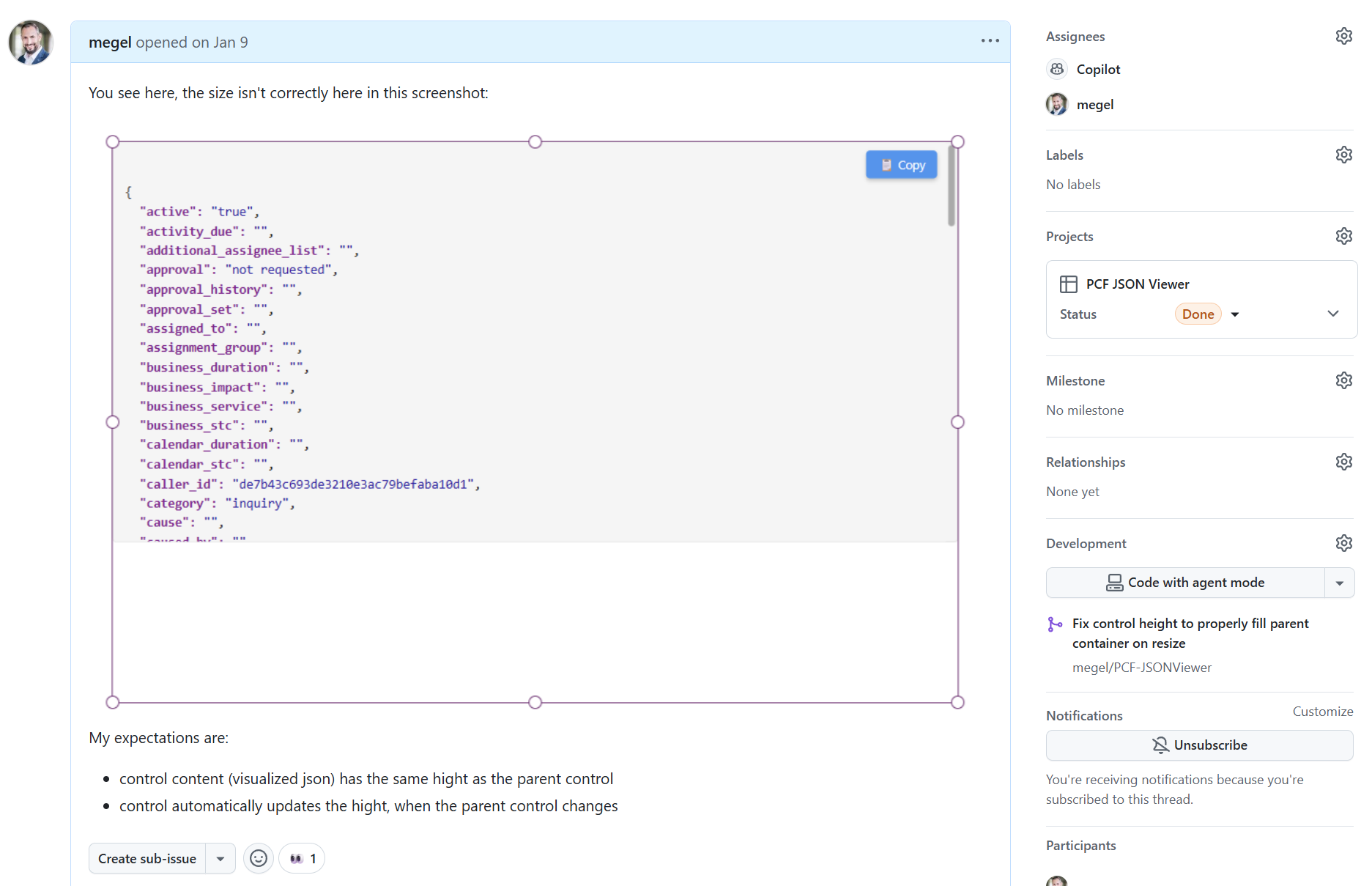
I assigned both issues to GitHub Copilot. And waited.
The agent analyzed each issue. Read the existing codebase. Understood the PCF patterns. Proposed fixes. Within hours, I had two pull requests. One fixed the boundary rendering. The other added all the requested features.
I reviewed the code. The boundary fix adjusted CSS and component sizing logic. The enhancements added a Copy button, implemented proper auto-sizing, exposed the configuration properties. Clean code. Followed React best practices. Even included updated tests.
I merged both PRs. Built the solution. Imported it into my environment. Time to see if it really worked.
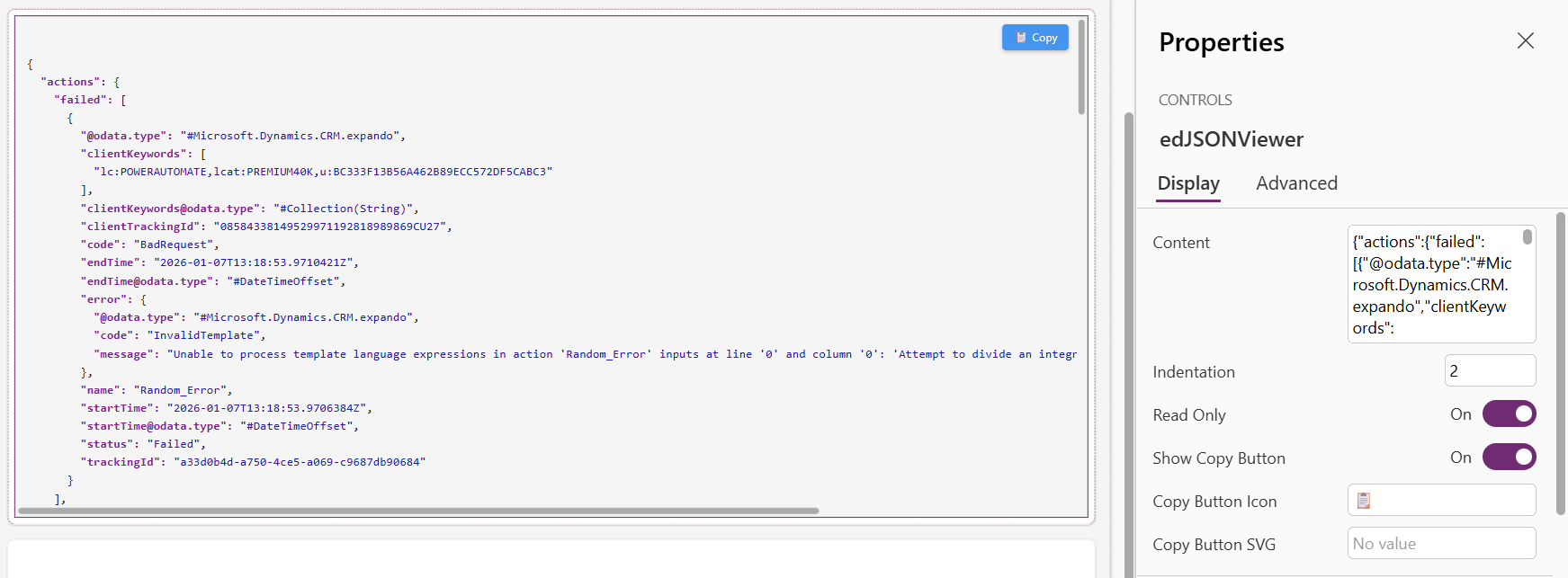
The shift was complete. I went from writing every line of code to describing problems and reviewing solutions.
What I Learned
Looking back at 2020 when I built PCF-MarkDown Viewer, I remember the hours spent. Installing CLI tools. Configuring manifest files. Debugging webpack builds. Fighting with TypeScript errors.
This time was different. I needed a JSON viewer that works in both Canvas Apps and Model-Driven Apps. This helped me build exactly that through conversation. I described requirements in GitHub issues. Included screenshots of problems. Assigned tasks to Copilot. Reviewed pull requests. The control emerged from describing intent, not typing syntax.
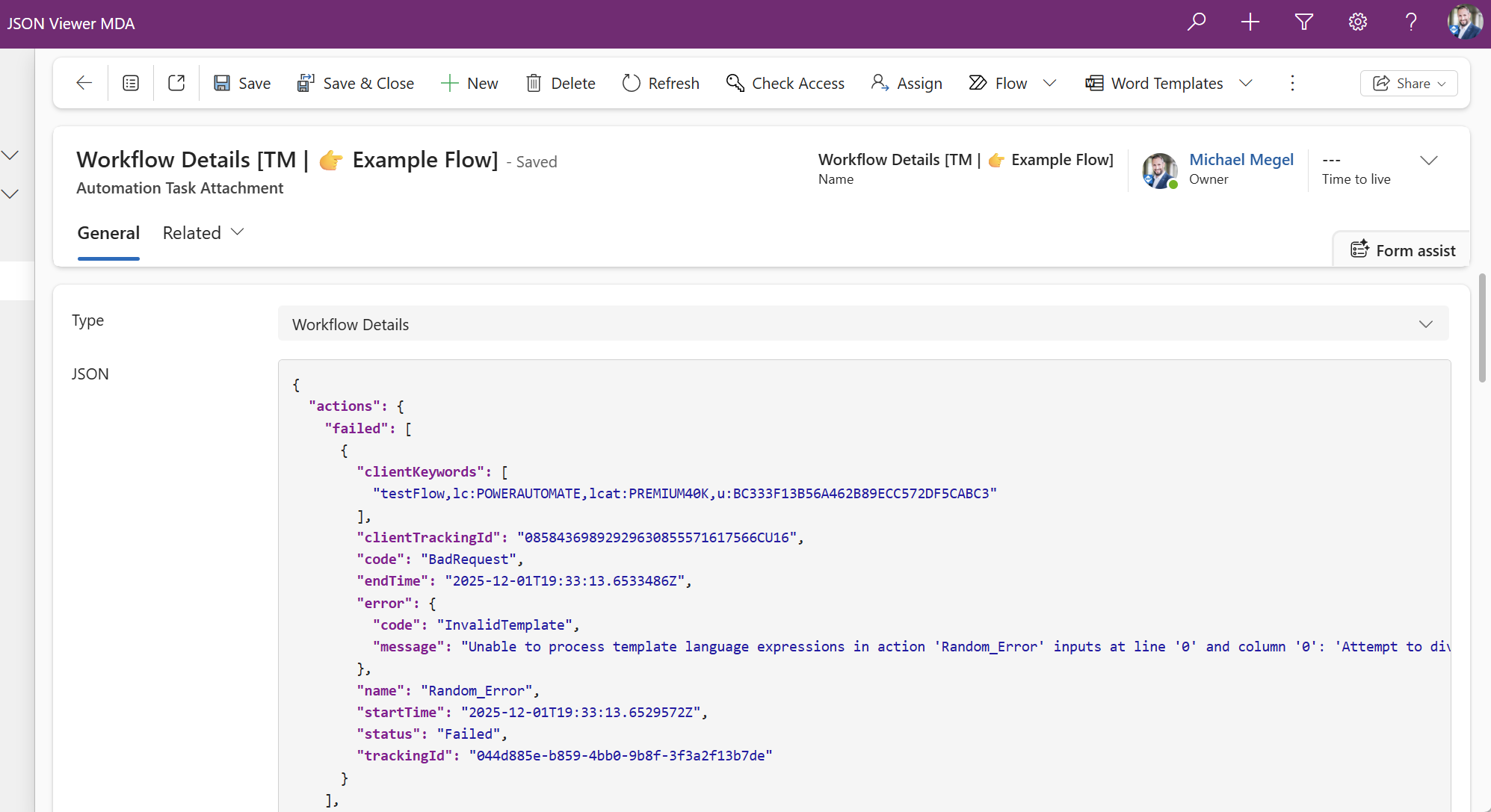
Is vibe coding perfect? Yes and no. Premium limits hit me. The initial workflow needed manual fixes. I still needed to understand PCF concepts to write good requirements and review code properly.
But the acceleration is real. Project setup that took an afternoon now takes minutes. Bug fixes that needed digging through React code now need a screenshot and description. The skill shifts from typing syntax to describing problems clearly.

I’m also sharing my PCF-JSONViewer repo with you as an Easter special giveaway. You can explore exactly what the agent built. DevContainer setup, React components, test framework, GitHub workflows. All from vibe coding. Fork it, use it, learn from it.
Vibe-Coding itself is interesting. But in my opinion, a better approach is evolving with Spec-Driven Development. Specify requirements. Clarify with agents. Plan together. Hand over the issue. Review the results.
I’m curious where this leads.
Now go build something.