Browsed by
Category: Copilot Studio

Copilot Studio is a visual, low-code platform designed for developing agents, incorporating automation through Power Automate, and enhancing a Microsoft 365 Copilot with customized enterprise data and scenarios.

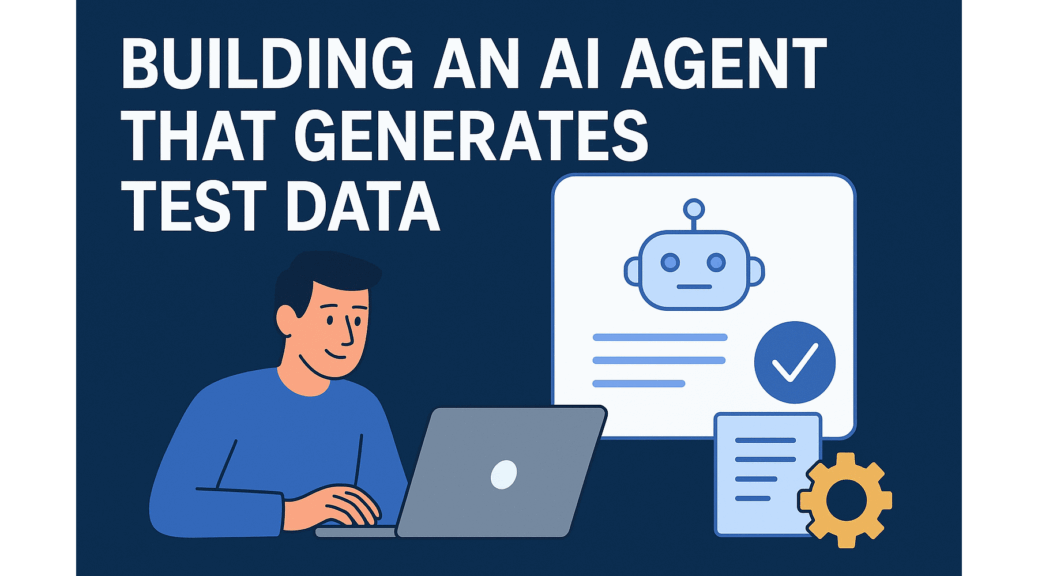
Building an AI Agent That Generates Test Data

Building an AI Agent That Generates Test Data

Recently, I was creating an agent with the goal to identify potential incidents in Teams community of practice channels. I started building this agent to find problems such as “I need help” and create ServiceNow incidents from its information. Testing it meant feeding realistic support cases into the system. But here’s the problem: real support data contains sensitive information. Project names. Client issues. Internal struggles. You can’t demo that publicly. You can’t even use it safely in testing. This isn’t…
Read More Read More

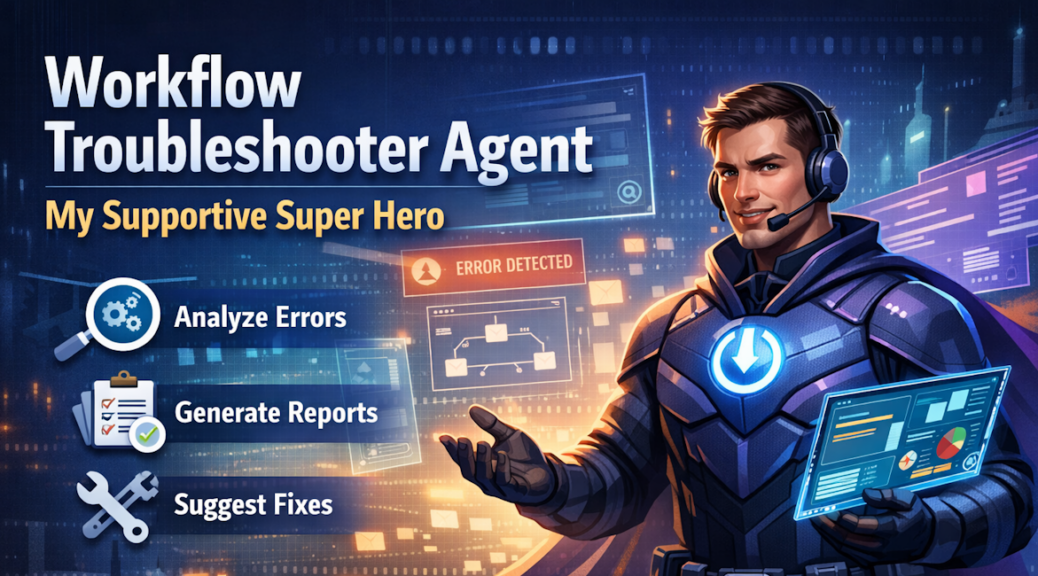
Workflow Troubleshooter Agent – My Supportive Super Hero

Workflow Troubleshooter Agent – My Supportive Super Hero

Ever had a critical workflow break at the worst possible moment? Picture this: an approval is stuck. A notification never arrives. The business is already waiting. And somewhere in the background, a workflow has silently failed. I’ve been there. You know something’s wrong, but finding the root cause feels like searching for a needle in a haystack. Logs are scattered. Errors are cryptic. And every minute of investigation adds more pressure. That’s when I decided I needed more than alerts…

Read More Read More

Agents, Agents, Agents

Agents, Agents, Agents

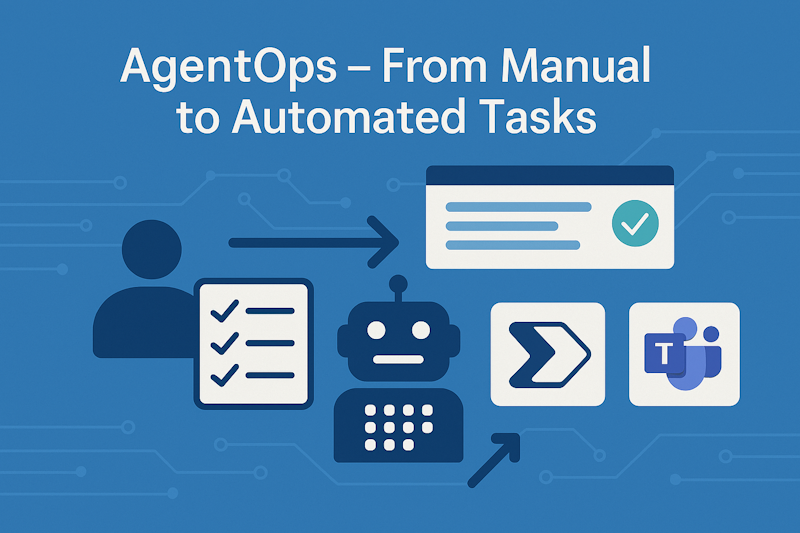
The Agents topic is everywhere and omnipresent. Everybody tells you; this is the next big thing. You need an army of agents that finish your work. But how do I build such agents? Should I go for pro-code or for low-code? Should I use AI Foundry or Copilot Studio. Furthermore, what is a good example of building an agent? This was also the billion dollar-question for me. Today, I will showcase a small example to you where I will build…

Read More Read More

Copilot Knowledge Sources – OneDrive

Copilot Knowledge Sources – OneDrive

Microsoft says adding knowledge to your Copilot is easy. You then open Copilot Studio and discover a lot of different options. But which should I choose for my data? Is uploading a file the right choice? Should I use Azure AI Search or better connecting a Dataverse table directly? Questions over question that I had as I opened Copilot Studio the first time. What is the right thing on my journey of better RAG for my Copilot Agents? In this…

Read More Read More

Better RAG – Data Preparation for Copilot – Part 3

Better RAG – Data Preparation for Copilot – Part 3

Welcome back to the third part of my blog post series. Today I will cover the practical part of the data preparation for my copilot. This means, I have all gadgets in place to extract the content of my document from Part 2. But I did not add a user interface that helps me to organize my documents. In other words, I need an App to manage my documents for my Copilot knowledge in a RAG system. Here I will…

Read More Read More

Better RAG – Data Preparation for Copilot – Part 2

Better RAG – Data Preparation for Copilot – Part 2

In my last blog post, I explained you why data preparation for Copilot Agents is necessary. In other words, why we must improve the raw data for RAG (Retrieval Augmented Generation). Today I will delve more into the technical details of the preparation step. Let’s discover together what I can do to improve my raw PDF documents. First, I will explain to you how I extract content as Markdown from these documents with Azure AI Document Intelligence. I’m implementing this…

Read More Read More

Better RAG – Data Preparation for Copilot – Part 1

Better RAG – Data Preparation for Copilot – Part 1

Marketing demos show us: Take your document and put it into a Copilot Studio. As result you have a chatbot solution that answers all questions about the document. But is this really the truth? No, it isn’t. This principle works for some well-structured documents with a limited size. Moreover, when I apply the same principle to lots of documents I will fail and that frustrates my end users. Trust me, I have seen this a lot. For that reason, I…

Read More Read More