Browsed by
Category: Power Platform

Power Platform brings Power Apps, Power Automate, Power BI and Copilot Studio together. Read practical articles on building, governing and extending low-code solutions.

Databricks Document Extraction with Genie Code in 15 Minutes

Databricks Document Extraction with Genie Code in 15 Minutes

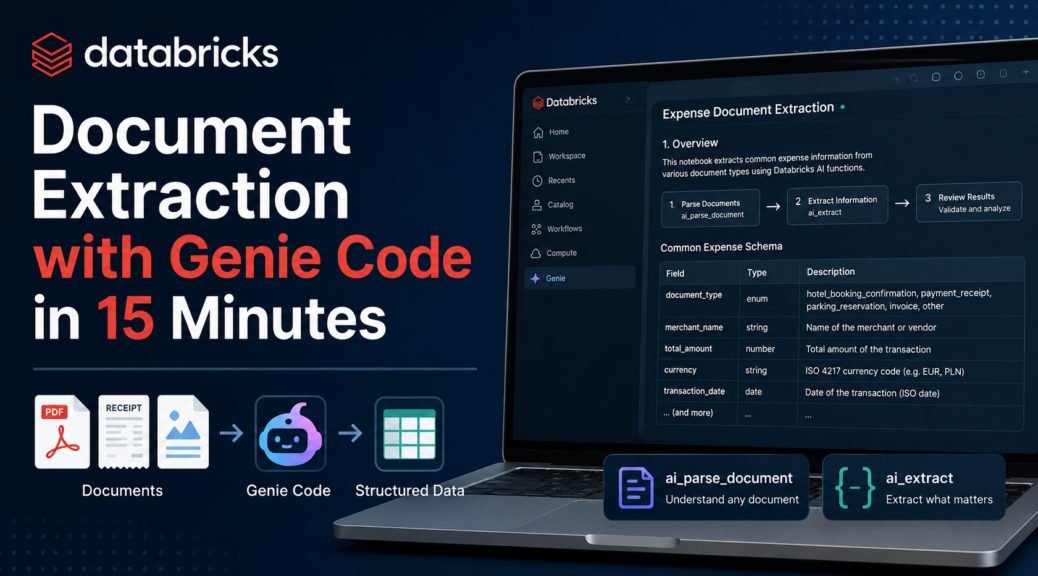
My Power Automate flow now sends documents into a Databricks volume. But a PDF in a volume is just a file. Time for Databricks Genie Code document extraction: turning those files into structured data. Databricks has two AI functions for this. ai_parse_document reads a PDF or image. ai_extract pulls out the fields you ask for. The Databricks blog explains the idea well. In theory, I read the docs and design the schema myself. In practice, I said: “Hello Genie, my…
Read More Read More

Document Extraction with GitHub SpecKit and Content Understanding Analyzers

Document Extraction with GitHub SpecKit and Content Understanding Analyzers

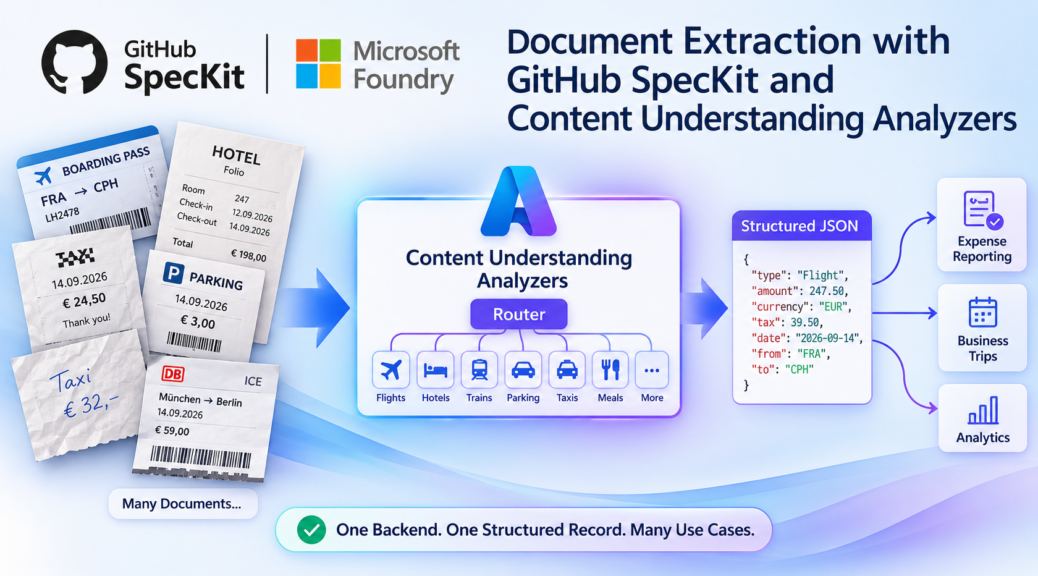
My expense documents are usually airline receipts, hotel folios, parking tickets, a handwritten taxi slip. Some are PDFs, some are phone photos, and they come in German, English, Danish, Polish, or wherever I received them. Now imagine one backend that reads all of them and returns the same clean expense record every time. That is exactly what Content Understanding analyzers in Microsoft Foundry can do. And this time, I did not code them from scratch. Look at the picture. Documents…

Read More Read More

Databricks Service Principal in Power Automate

Databricks Service Principal in Power Automate

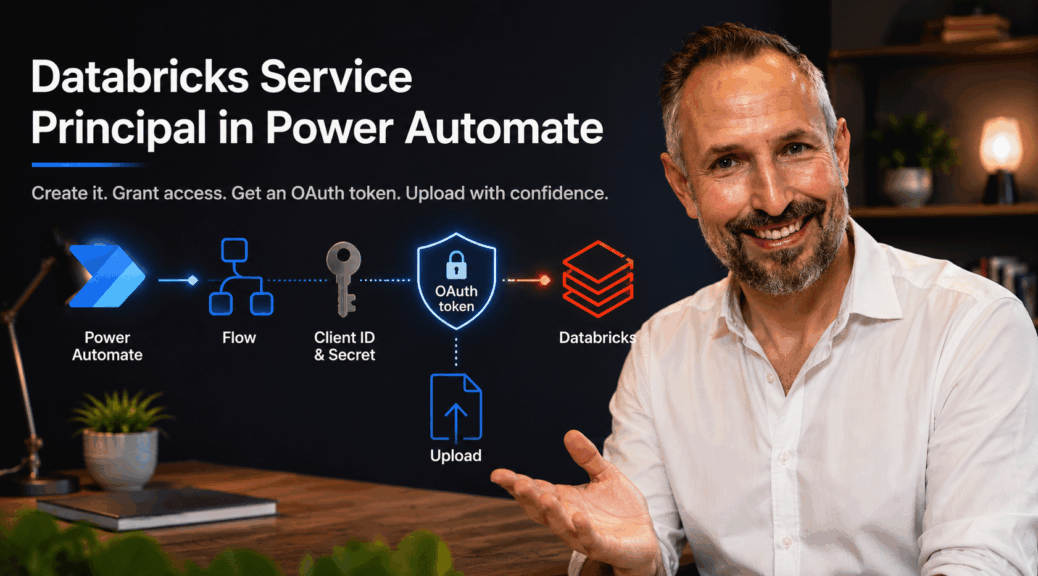
In the previous post, I built a Power Automate flow that uploads a document into a Databricks volume. It works. But it runs on my personal access token, and I called that a shortcut right away. Time to fix that with a Databricks service principal in Power Automate. Why does that matter? The token belongs to my user account. It expires. And if my access changes, the flow breaks. That’s fine for a demo. However, it’s not fine for a…

Read More Read More

Upload Files to Databricks with Power Automate

Upload Files to Databricks with Power Automate

In the previous post, I signed up for Databricks Free Edition and built a catalog, a schema, and a volume named dropzone. That volume is empty, though. Now it’s time to upload files to Databricks, and that’s where my two hats (Data Platform Architect and Power Apps MVP) actually have to talk to each other. My plan was simple: trigger a Power Automate flow from Dataverse, and have it upload a document straight into that volume. So I opened a…

Read More Read More

Getting Started with Databricks Free Edition

Getting Started with Databricks Free Edition

I wear two hats. My profession is Data Platform Architect, where Databricks, Delta tables, and Unity Catalog are just another Tuesday. My hobby – if you can call it that – is being a Microsoft MVP for Power Apps, living inside Dataverse, Power Automate, and low-code. It is how it is. These two worlds rarely meet. This post is where I make them. If you’ve followed my spec-driven development series, you know I already extract receipts and invoices using Azure…

Read More Read More

Baltic Summit 2026 was all about AI & Power Platform

Baltic Summit 2026 was all about AI & Power Platform

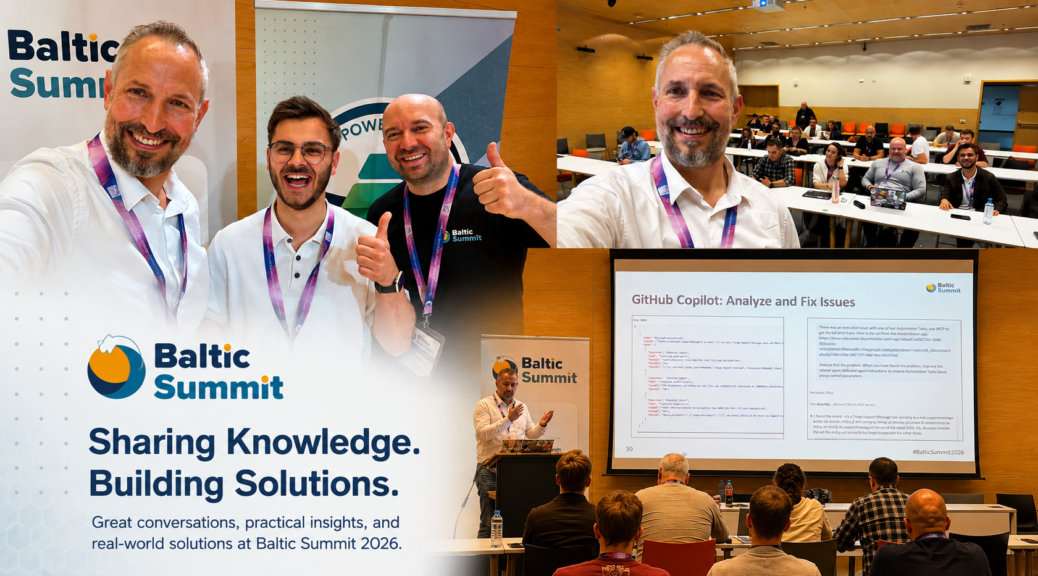
Baltic Summit 2026 just wrapped up in Gdynia, Poland, and I’m still working through my notes. Three days, a packed agenda, and honestly one of the best-organized conferences I’ve attended in a while. Registration was smooth, and the tracks were easy to follow. By the end, the whole event felt well thought out from start to finish. The overall theme across sessions was clear: AI, Copilot, Power Platform solutions, governance, and security. All of it was viewed from a dozen…

Read More Read More

Never Pay for the Same Dataverse Mistake Twice

Never Pay for the Same Dataverse Mistake Twice

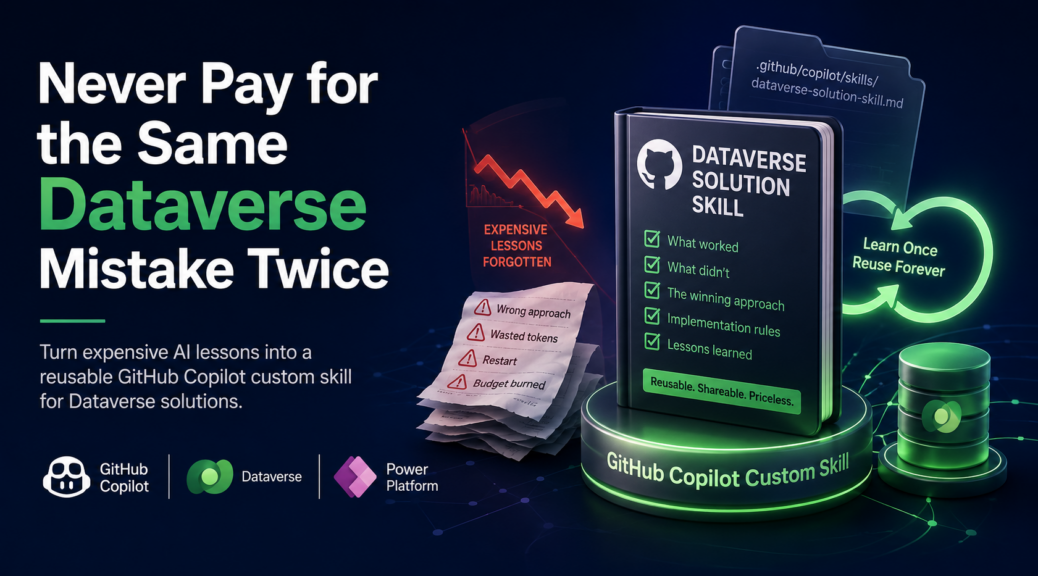
GitHub Copilot showed me something new: GPT-5.6 Sol, plus a 30% discount. Yes, and I couldn’t resist trying it on a Dataverse task. Why not see the new model in action, right? As a result, that decision burned nearly a month’s budget before the task was even done. But here’s the thing: the expensive part isn’t the story worth telling. What came out of it was a GitHub Copilot custom skill – a reusable file that captures everything the agent…

Read More Read More

M365 Con DACH 2026 Recording Is Live

M365 Con DACH 2026 Recording Is Live

Missed my session at M365 Con DACH 2026? Good news – the recording is live. One note before you press play: it’s in German. On paper, my session covers Power Platform and document processing with AI Foundry Content Understanding. That’s the abstract I submitted. Reality had other plans. Shortly before the talk, my demo environment fell apart, and I had to rebuild it fast. So I turned to GitHub Copilot. It rebuilt the Dataverse tables, flows, and the Content Understanding…

Read More Read More

One Task Table to Rule Them All

One Task Table to Rule Them All

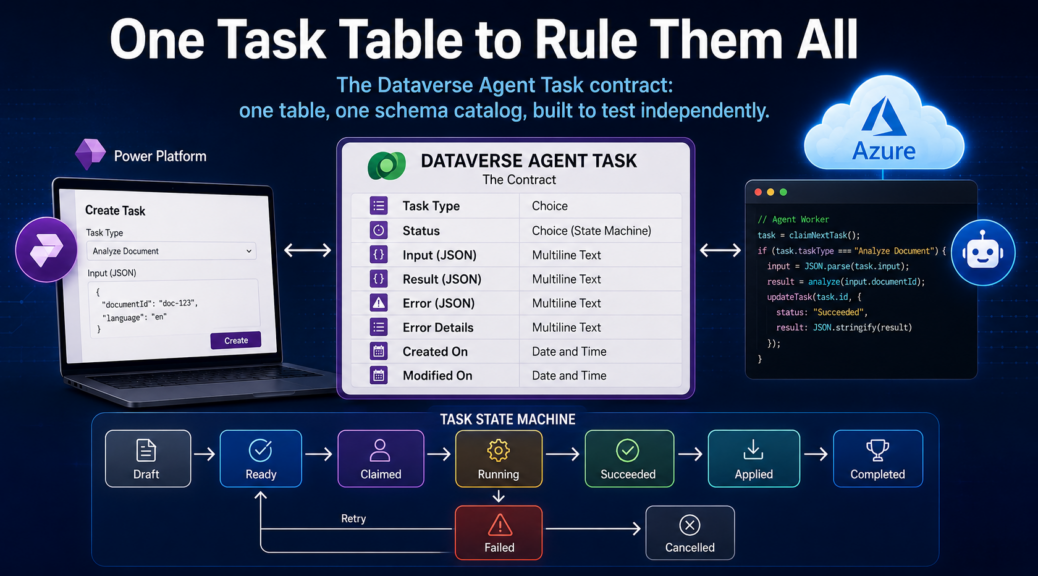
The backlog from my last post had one line I couldn’t ignore: status transitions weren’t implemented yet. Tables, views, the model-driven app – all done. The missing piece was the Dataverse Agent Task contract itself. In other words, the part that lets Power Platform and Azure talk to each other. That wasn’t a bug. It was a missing seam. Without an explicit contract, two teams can’t build independently. They can’t test independently either. Remember my post about project decomposition? I…

Read More Read More

GitHub Copilot Dataverse: MCP Limits, YAML, and PAC CLI

GitHub Copilot Dataverse: MCP Limits, YAML, and PAC CLI

My spec was done. The plan too. Time to build the Dataverse foundation: the piece everything in my Expense Management system would run on. I connected the Dataverse MCP server in VS Code, opened my prepared spec, and ran /speckit.implement in GitHub Copilot. The GitHub 🌱 SpecKit workflow with Copilot to implement my Dataverse solution felt ready. I expected it to just work. It didn’t. The MCP hit its limits fast. Cryptic errors, wrong solution placement, no model-driven app support….

Read More Read More