
GitHub Copilot Dataverse: MCP Limits, YAML, and PAC CLI
My spec was done. The plan too. Time to build the Dataverse foundation: the piece everything in my Expense Management system would run on.
I connected the Dataverse MCP server in VS Code, opened my prepared spec, and ran /speckit.implement in GitHub Copilot. The GitHub 🌱 SpecKit workflow with Copilot to implement my Dataverse solution felt ready. I expected it to just work.
It didn’t.
The MCP hit its limits fast. Cryptic errors, wrong solution placement, no model-driven app support.
The fix wasn’t a better prompt. It was a different tool entirely.
GitHub Copilot Dataverse Implementation with MCP
The Dataverse MCP server sounded like the right shortcut. Connect it to VS Code, describe what you need, and let GitHub Copilot do the Dataverse work. No portal, no manual configuration. Just prompts and a spec.
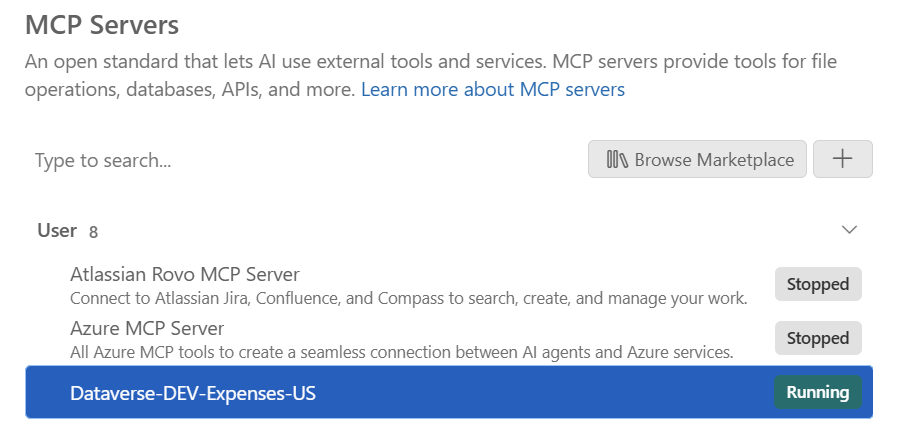
Setup checked out. Server running:
All Dataverse tools visible in Copilot:
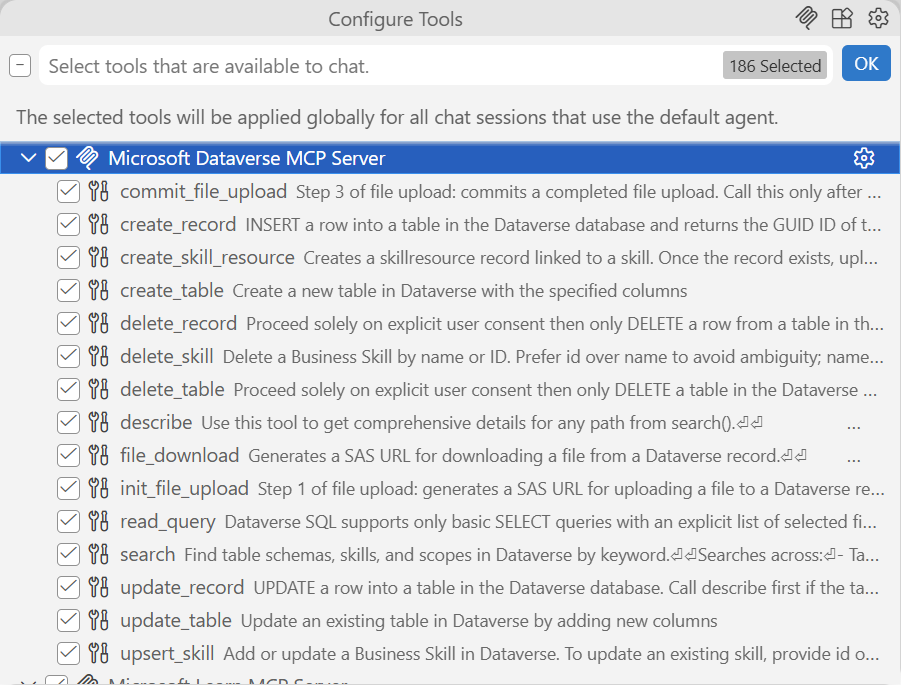
That means, I was ready to proceed.
Table Implementation
I ran /speckit.implement in Copilot. First stop: publisher setup and basic table creation.
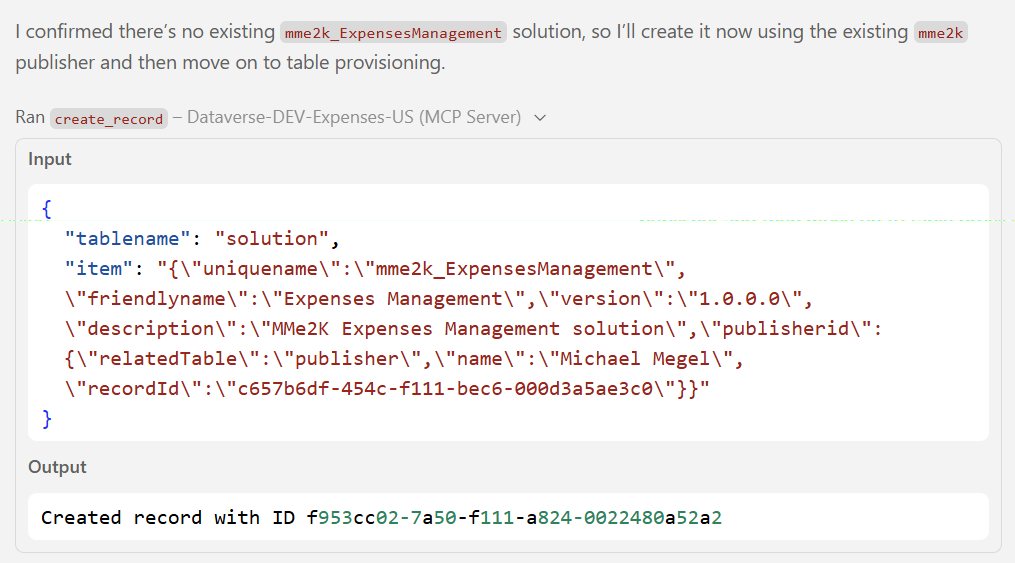
Standard tables with basic columns went through clean.
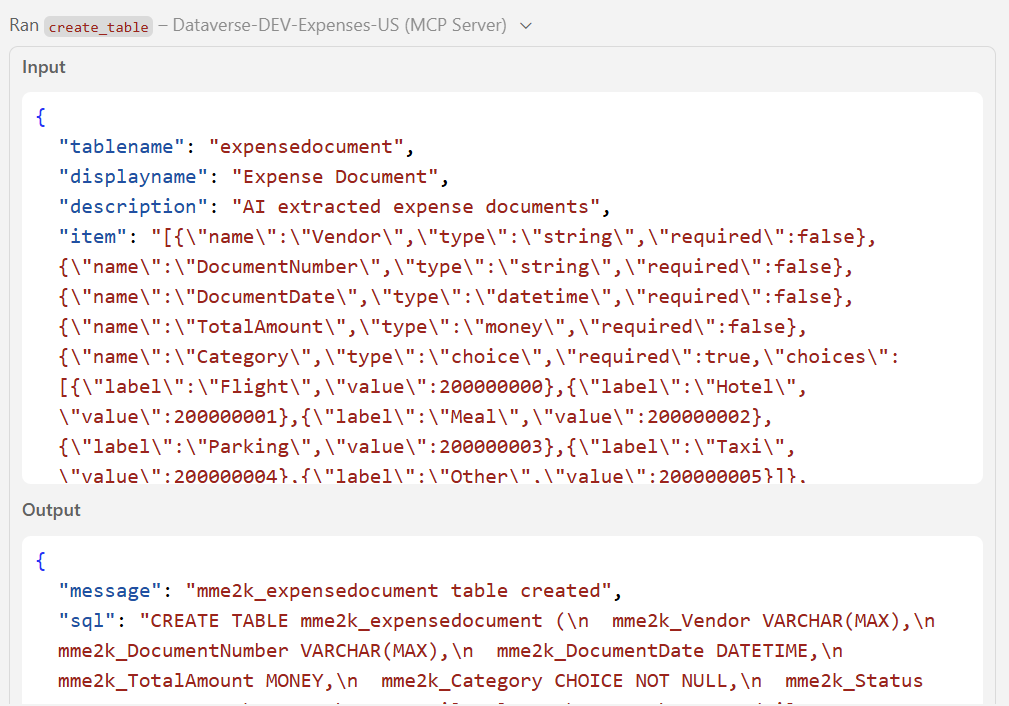
Checked in Dataverse. My tables were there. The MCP had successfully created them.
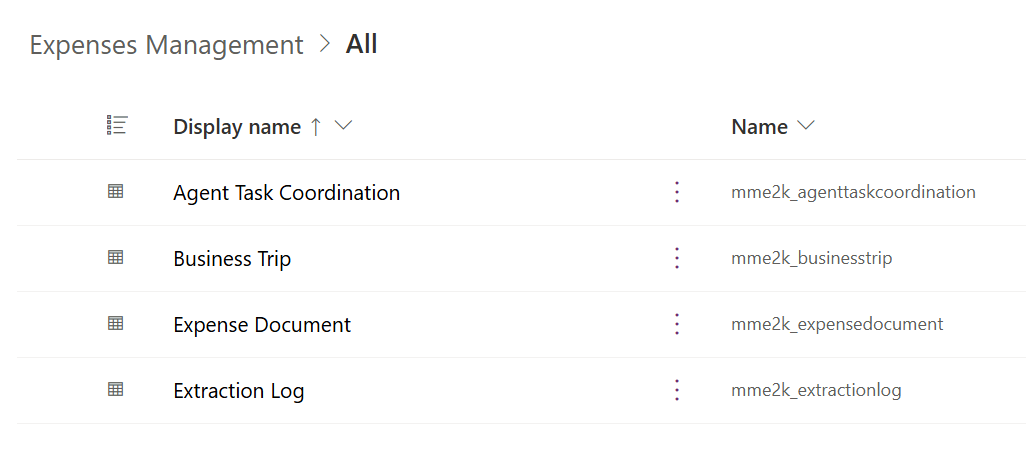
The trouble started with complex relationships and custom table properties. Lookup columns landed on the wrong table. Fields got the wrong prefix. The MCP partially succeeded and left the solution in a state I had to manually clean up.
Model-Driven App Implementation
Table problems were manageable. The MDA was a different story.
The MCP doesn’t expose model-driven app creation at all. No forms, no views, no navigation areas. I tried prompting for it anyway.
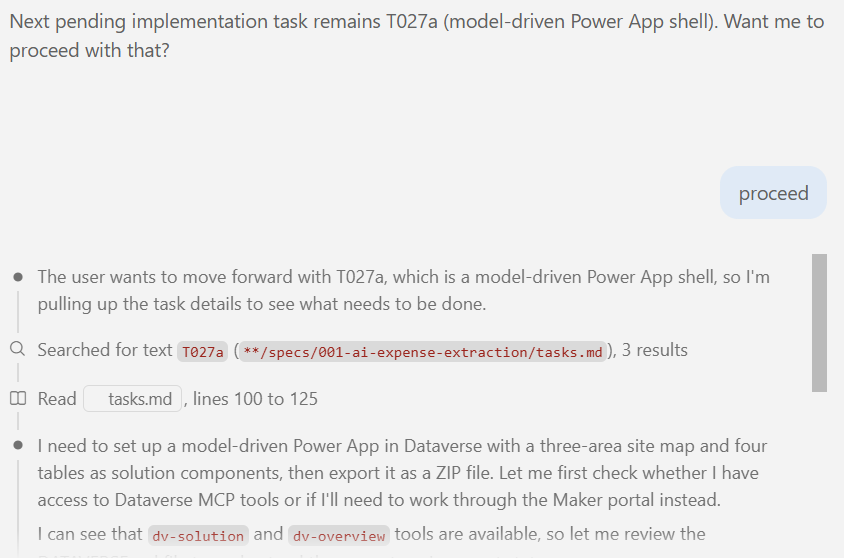
See here the result:
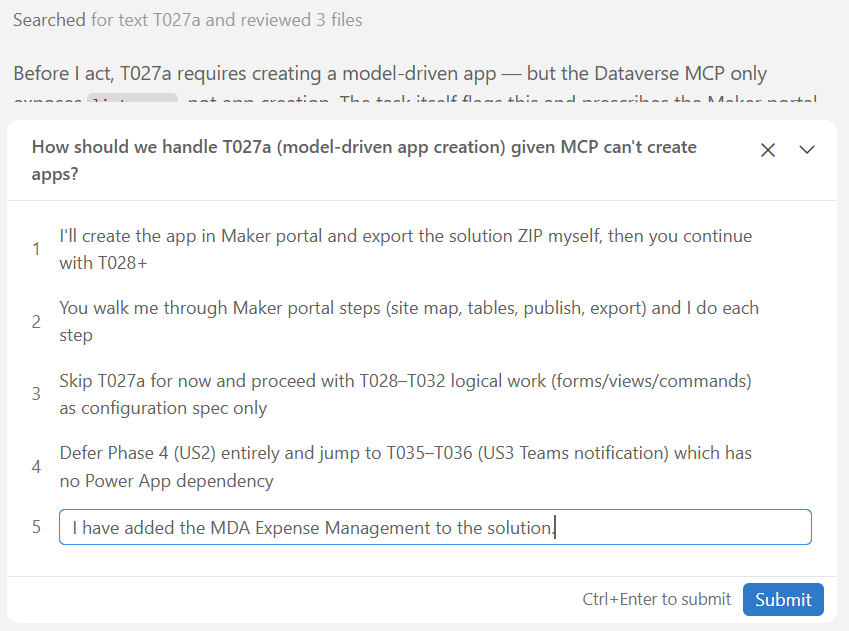
When the MCP hit something it couldn’t do, Copilot switched modes and started proposing manual steps in the maker portal instead of calling the API. That was the signal.
MCP as Implementation Tool
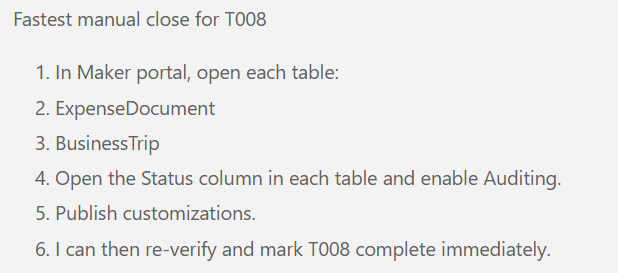
The gaps went further than the MDA. Even basic table settings like audit have no MCP equivalent. Manual only.
Enabling audit on columns, for example, means going to column settings in the maker portal and toggling it manually.
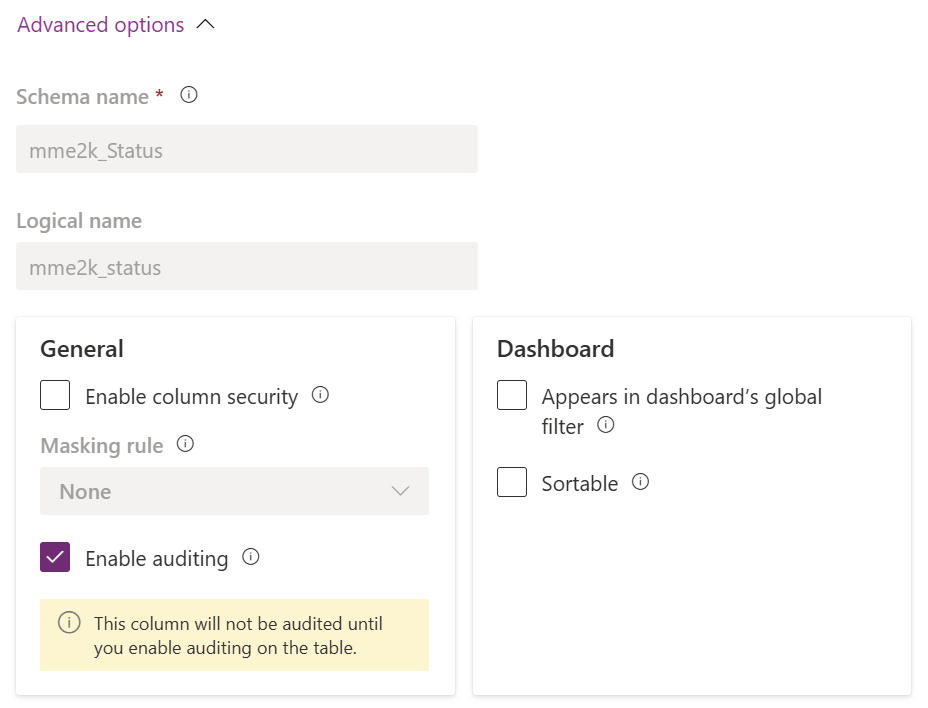
Same for audit on tables.
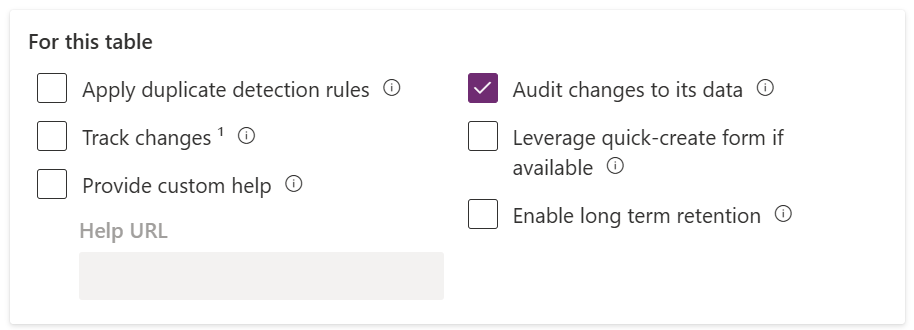
These were two examples from the first spec. There were more.
The Dataverse MCP exposes table-level CRUD: useful for reading data, running queries, creating a quick record. Not for authoring a solution from a spec.
I’d been treating it as a development tool. It’s a data access tool.
After a few rounds of fixing more than the MCP built, I stopped. I needed something that could work with the full solution: tables, relationships, forms, views, the model-driven app. All of it, as a unit.
Back to the drawing board.
The YAML Discovery
The drawing board question: what format can Copilot actually work with?
Fabian Brandt showed me this at a Power Atelier Meetup: Dataverse Git integration.
The old XML export format wasn’t the answer. A solution exported as XML is thousands of lines of opaque markup with no clear structure for an AI to follow. JSON was no better. Both were designed to be parsed, not authored from scratch.
The reasoning clicked immediately. GitHub Copilot is built for repo-based work. Give it access to the solution files and it can read, adjust, and author them. That’s where it shines. SpecKit fits the same pattern: spec and tasks frame the changes, Copilot executes against the files.
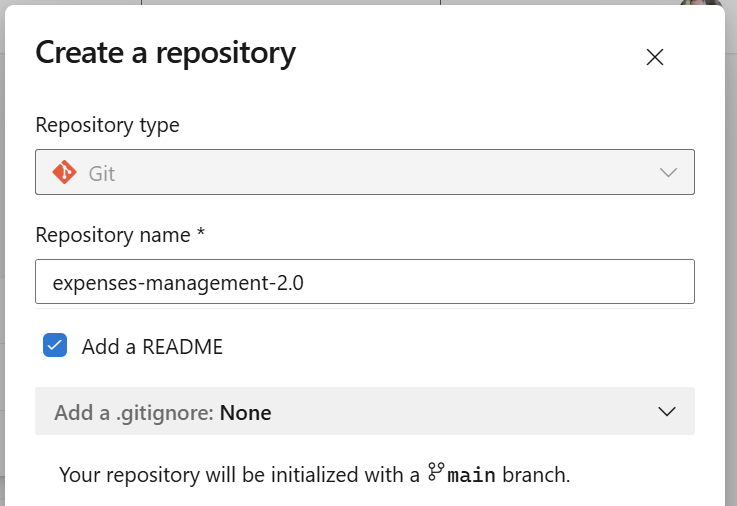
First, I created an Azure DevOps repository and initialized it.
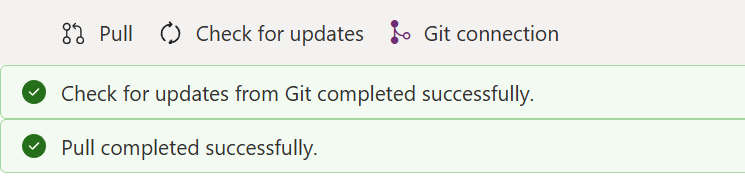
After cleaning up the partial MCP solution, I connected it to Git. In Power Apps, navigate to Solutions and hit Connect to Git.
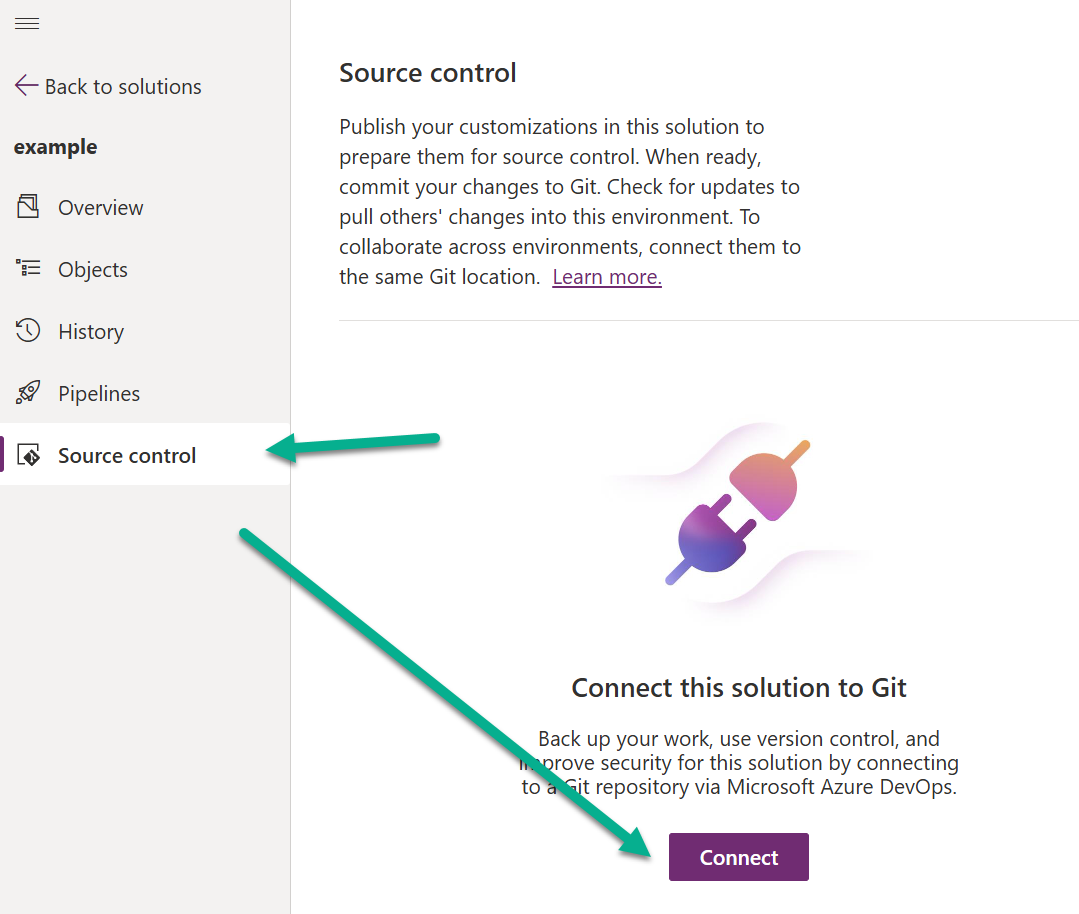
Selected the Azure DevOps org, repo, branch, and the folder for the solution. Done.
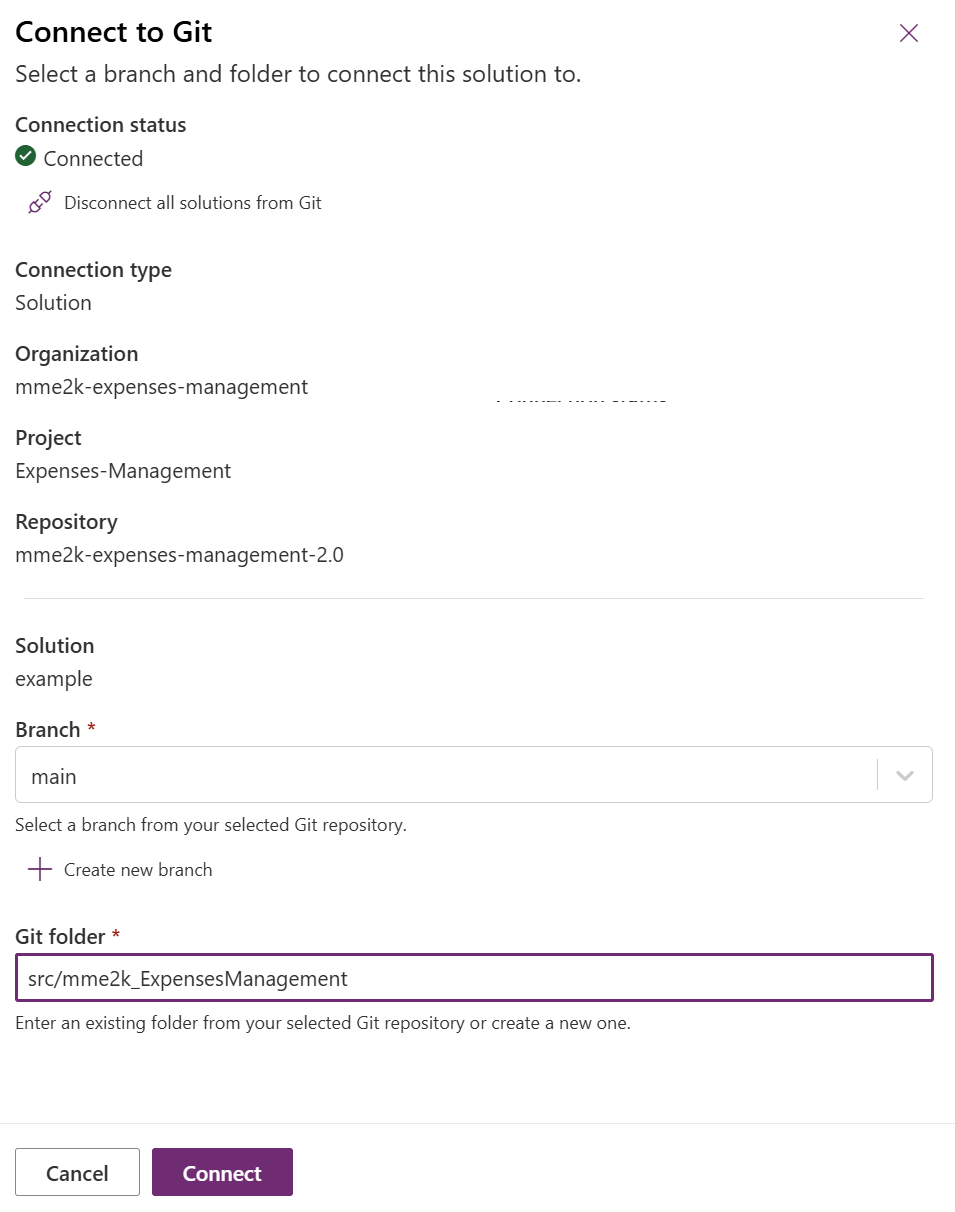
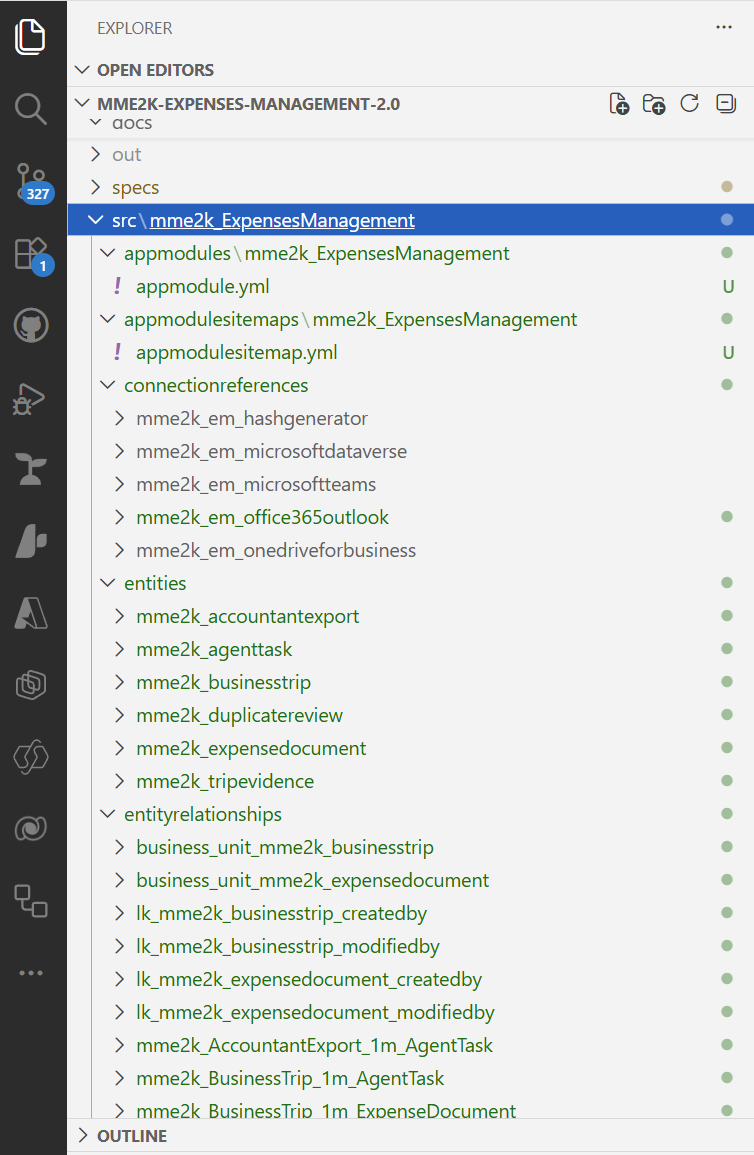
The first sync pulled the skeleton into the repository. A solutions/ folder with solution.yml, rootcomponents.yml, solutioncomponents.yml. The entities/ folder was empty since I’d removed the failed MCP tables. In publishers/, my publisher YAML was there.
This was the new canvas. Instead of asking Copilot to create tables live through an MCP with limited tools, I could now ask it to author YAML files in a well-defined structure – one it could learn from existing examples.
That changed everything.
Repo, Sync, and the First Import Storm
With the skeleton in place, Copilot could get to work. The plan: extend the YAML files with the tables and columns from the spec, then import into Dataverse. The first sync of those changes back looked promising.
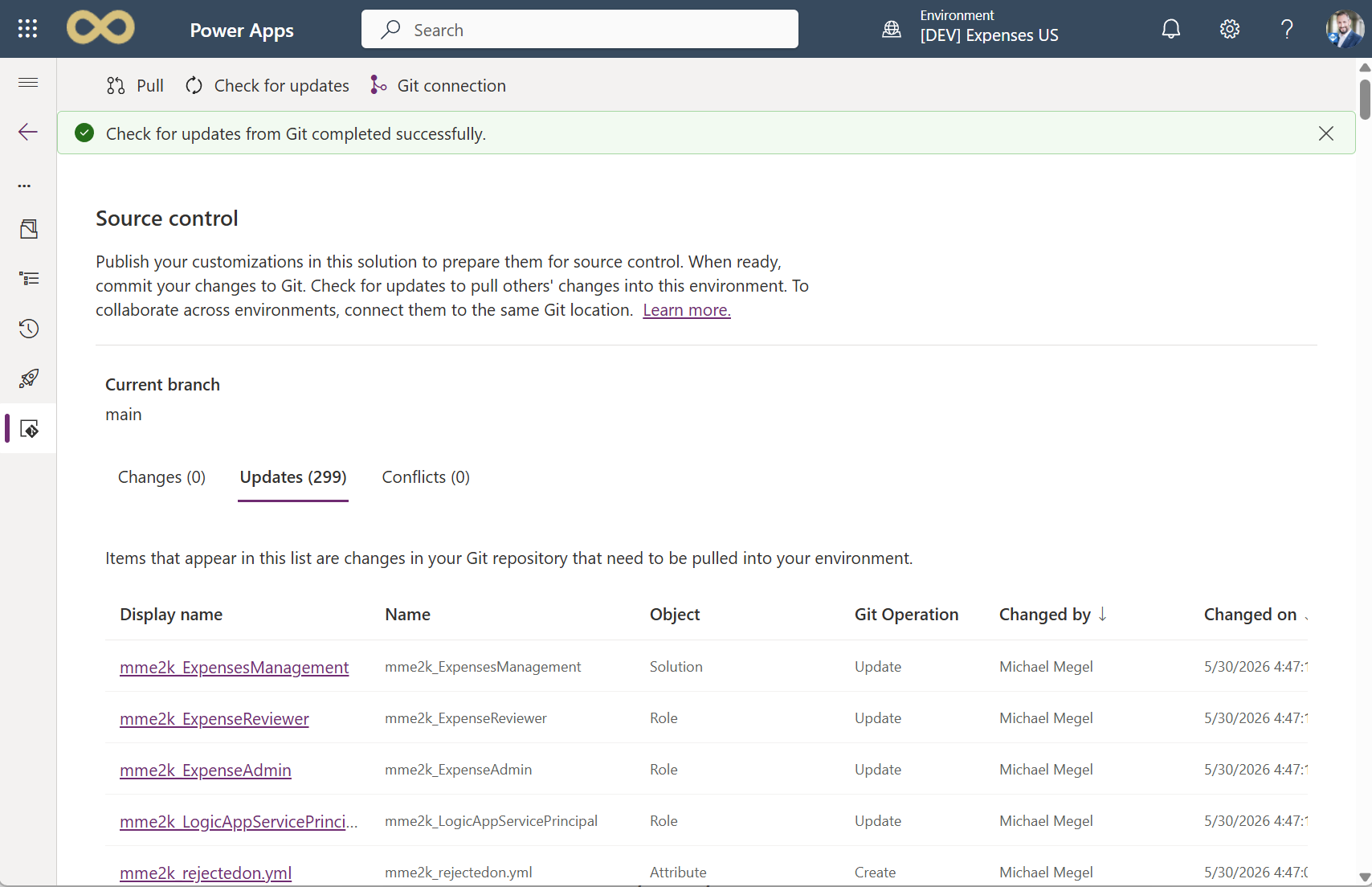
Then the import failed.
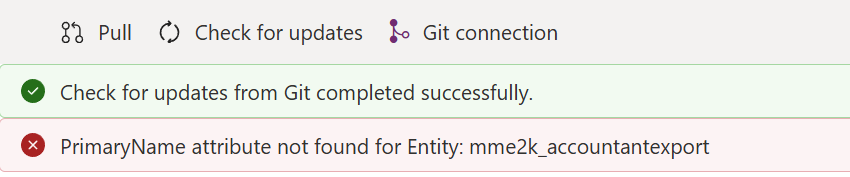
The error messages weren’t helpful. Component reference issues. Something in the solution manifest. Not clear enough to fix in one pass.
The cycle: I passed the error to Copilot and AI edited the YAML. Commit, trigger the sync, wait for the import, read whatever error came back. Do it again.
Dataverse sync error logging is nearly useless. It tells you something failed. Rarely why, and rarely in terms you or AI can act on quickly.
Not perfect, after several rounds, but the import got through. My tables appeared in Dataverse:
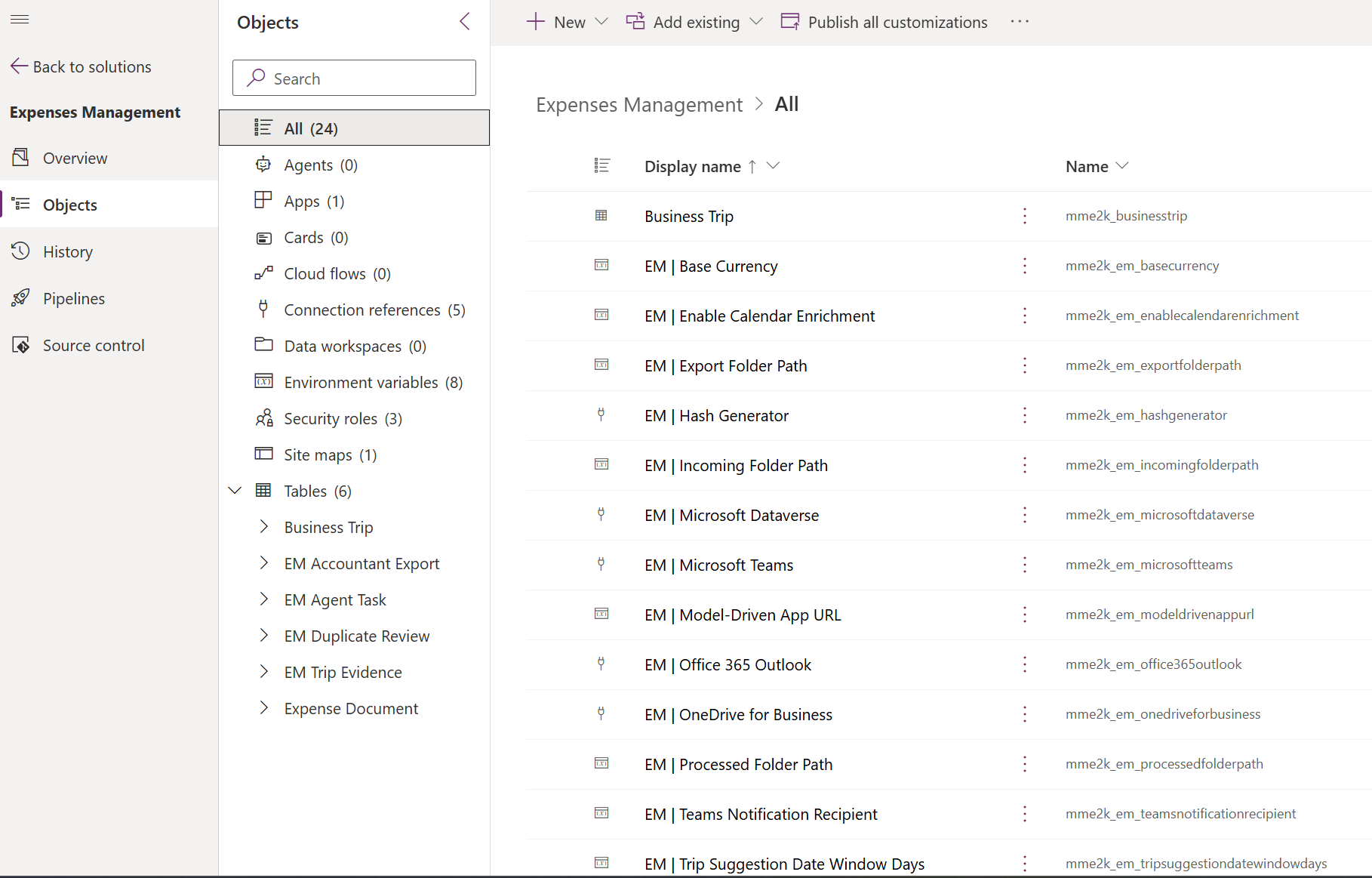
The round-trip cost was too high to keep working this way. There had to be a better loop.
PAC CLI to the Rescue
The round-trip through Dataverse sync was the bottleneck. Commit, wait for sync, trigger import, decode UI errors. Too slow, too opaque, and too much human interaction required. I needed a better loop.
PAC CLI had the answer. Two commands:
pac solution pack --zipfile MySolution.zip --folder ./src
pac solution import --path MySolution.zip --publish-changes
Pack the YAML folder into a zip locally. Import it directly into Dataverse. No sync cycle. When it fails, the error comes back in the terminal, not buried in the Dataverse UI logs.
The loop tightened immediately. Edit YAML, pack, import, and read the terminal error when something goes wrong. Copilot can do this alone, fix problems automatically, and repeat until success.
The clearer errors alone made it worth the switch. This is the dev loop for any GitHub Copilot implementation for Dataverse.
A new problem appeared: the Dataverse YAML schema is sparsely documented. No official examples for complex column types, relationship configurations, or specific form layouts. Copilot could handle simple tables but hit walls on anything specific.
The fix: find working YAML from real solutions and repos, then hand those examples to Copilot. Not documentation. Actual source files from real apps.
It worked. Copilot took the examples, understood the pattern, and implemented correctly.
My super trick: after each round, I asked Copilot to document the workarounds in Markdown. That way, I captured the knowledge for future implementations and avoided repeating the same mistakes.
Finally, my data model was building.
From ASCII Wireframes to Real Forms
After the PAC CLI loop settled, the pieces started clicking together.
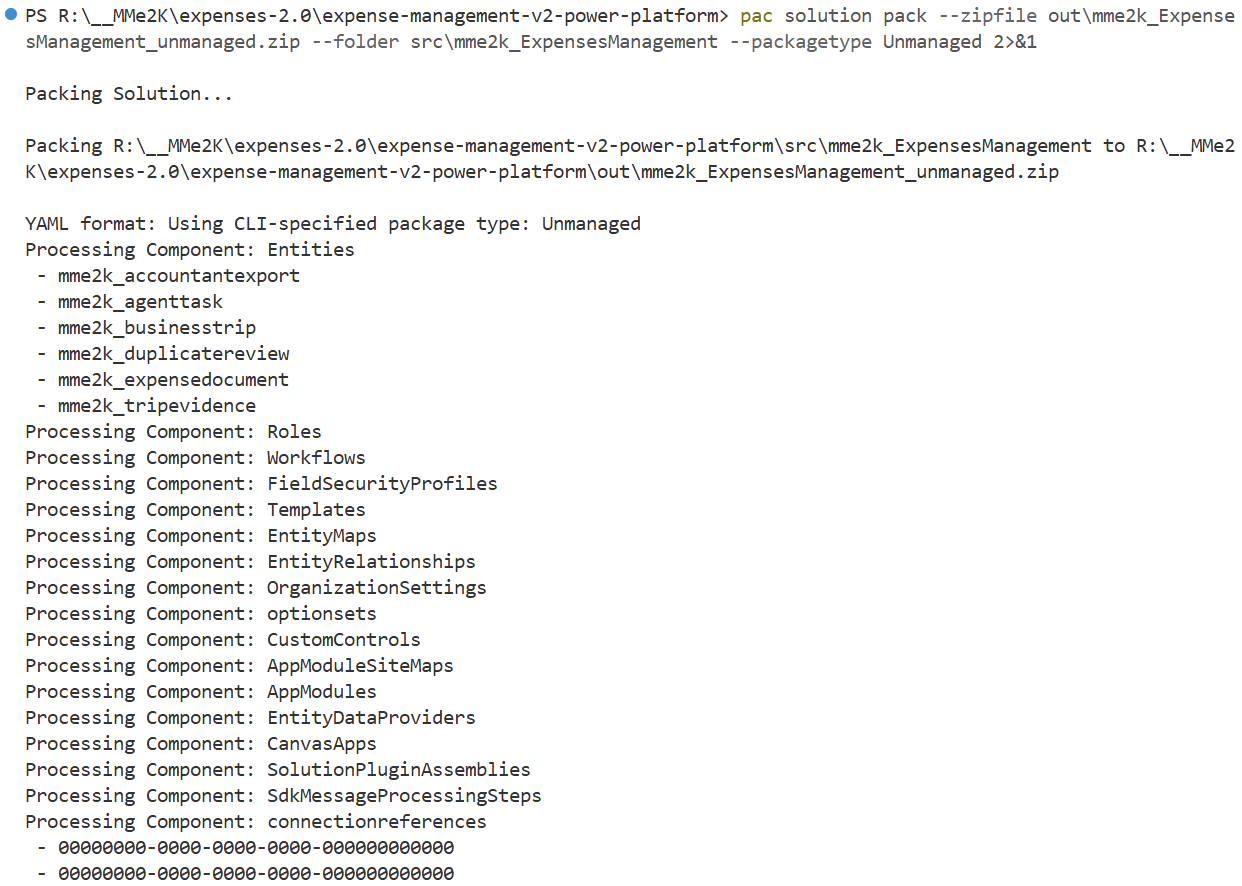
Copilot packed the YAML folder into a zip locally.
Import it directly into Dataverse.
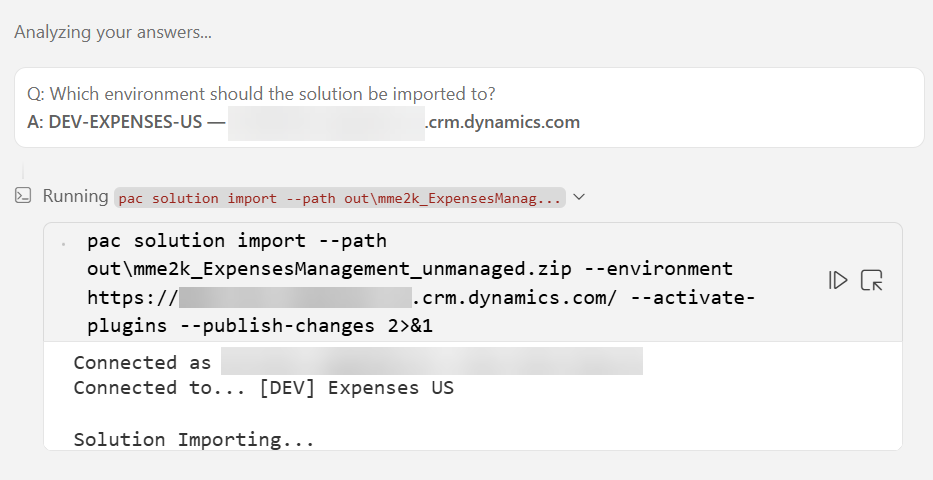
No sync cycle. When it fails, the error comes back in the terminal, not buried in the Dataverse UI logs.
Tables imported cleanly. Relationships resolved, lookup columns on the right entities with the correct prefixes. Views followed: active records and filtered variants for each entity, sort orders and columns matching the spec.
The model-driven app and its screens were the final piece. The most satisfying one. In the planning phase, I’d sketched the forms as ASCII wireframes.
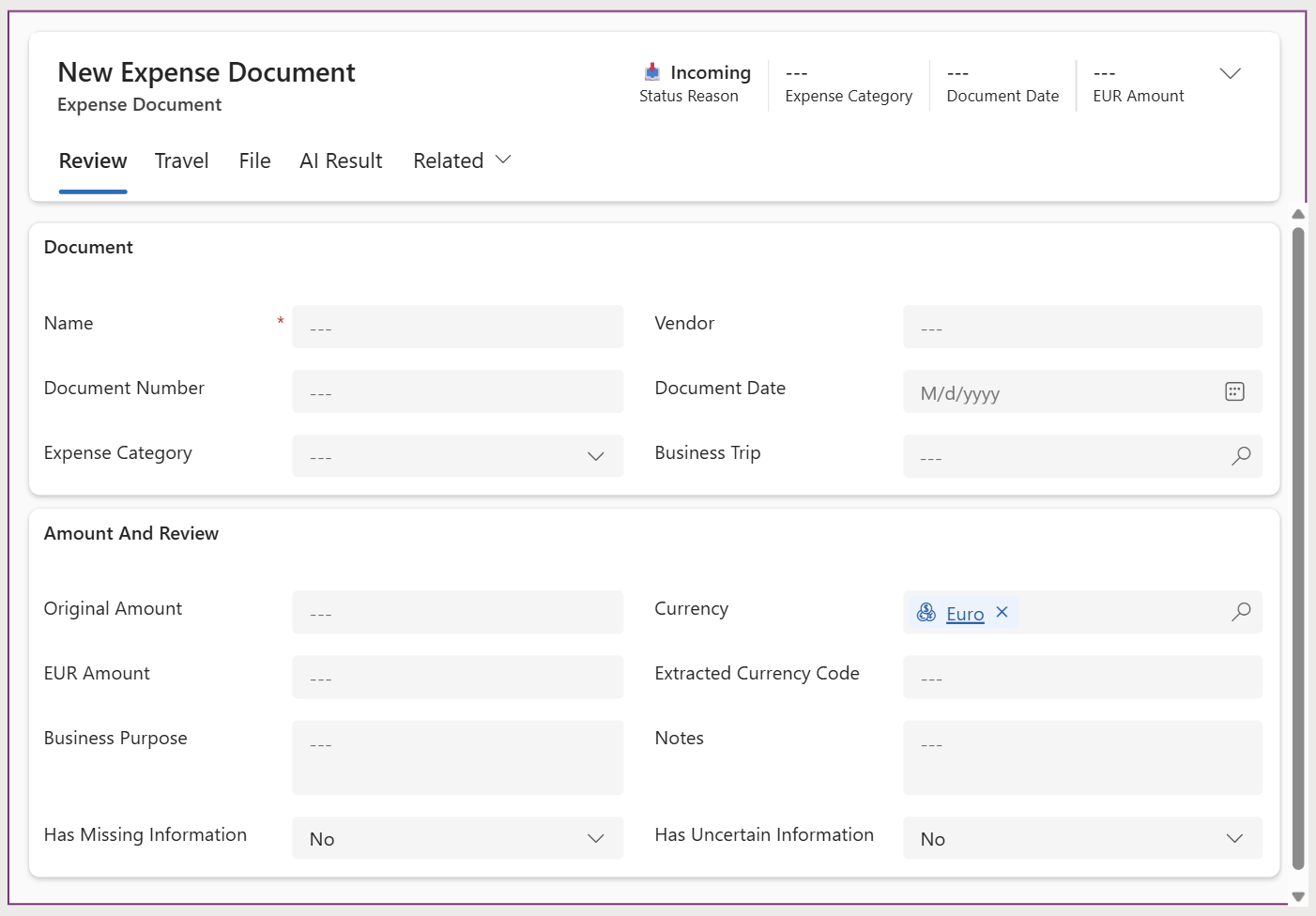
That same layout, now a real Power Apps form.
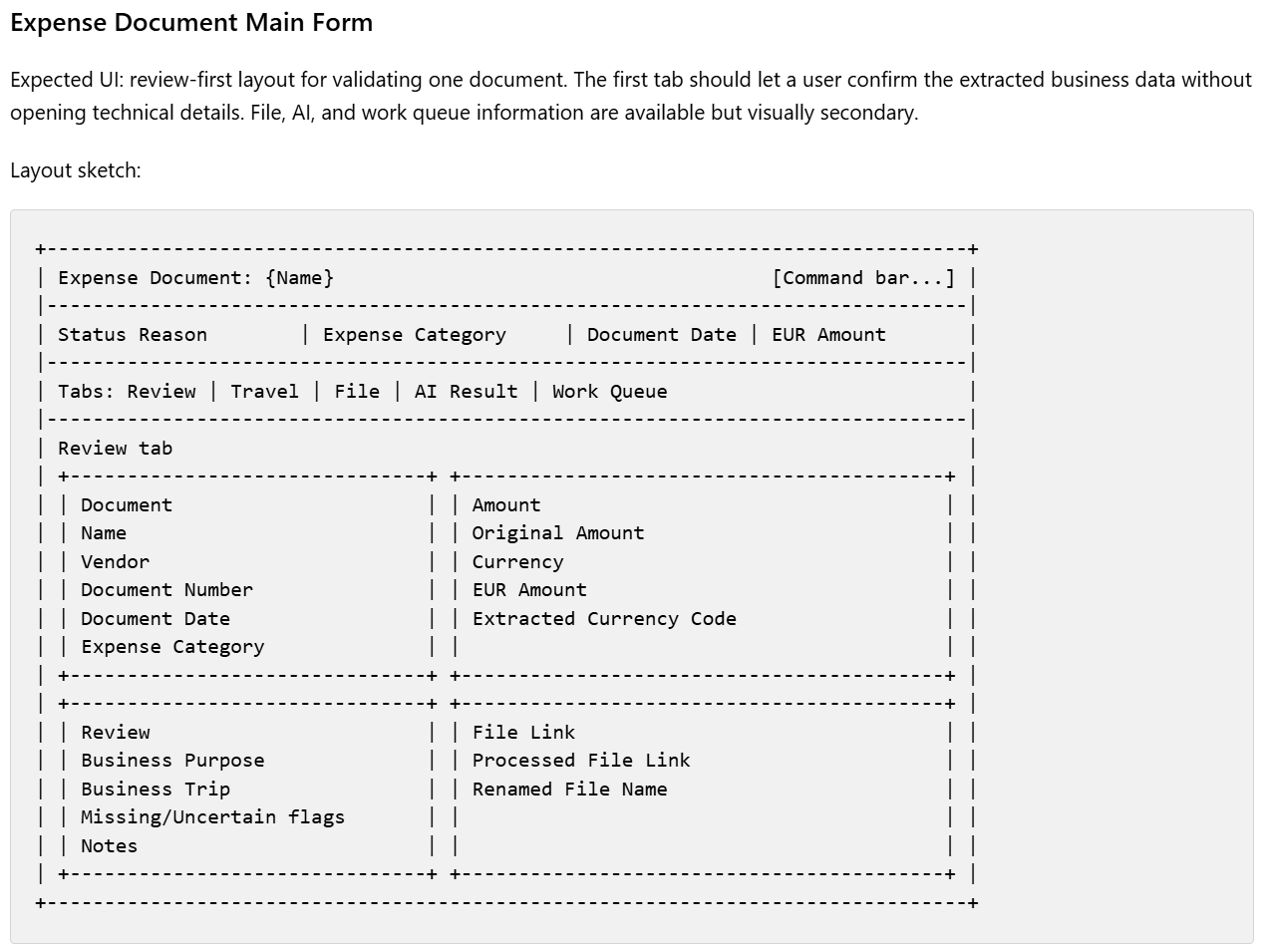
The result was impressive. The ASCII wireframe became a real form, with the same layout, fields, tabs, sections, controls.
Now, my model-driven app was alive. Navigation areas configured, all entities accessible.
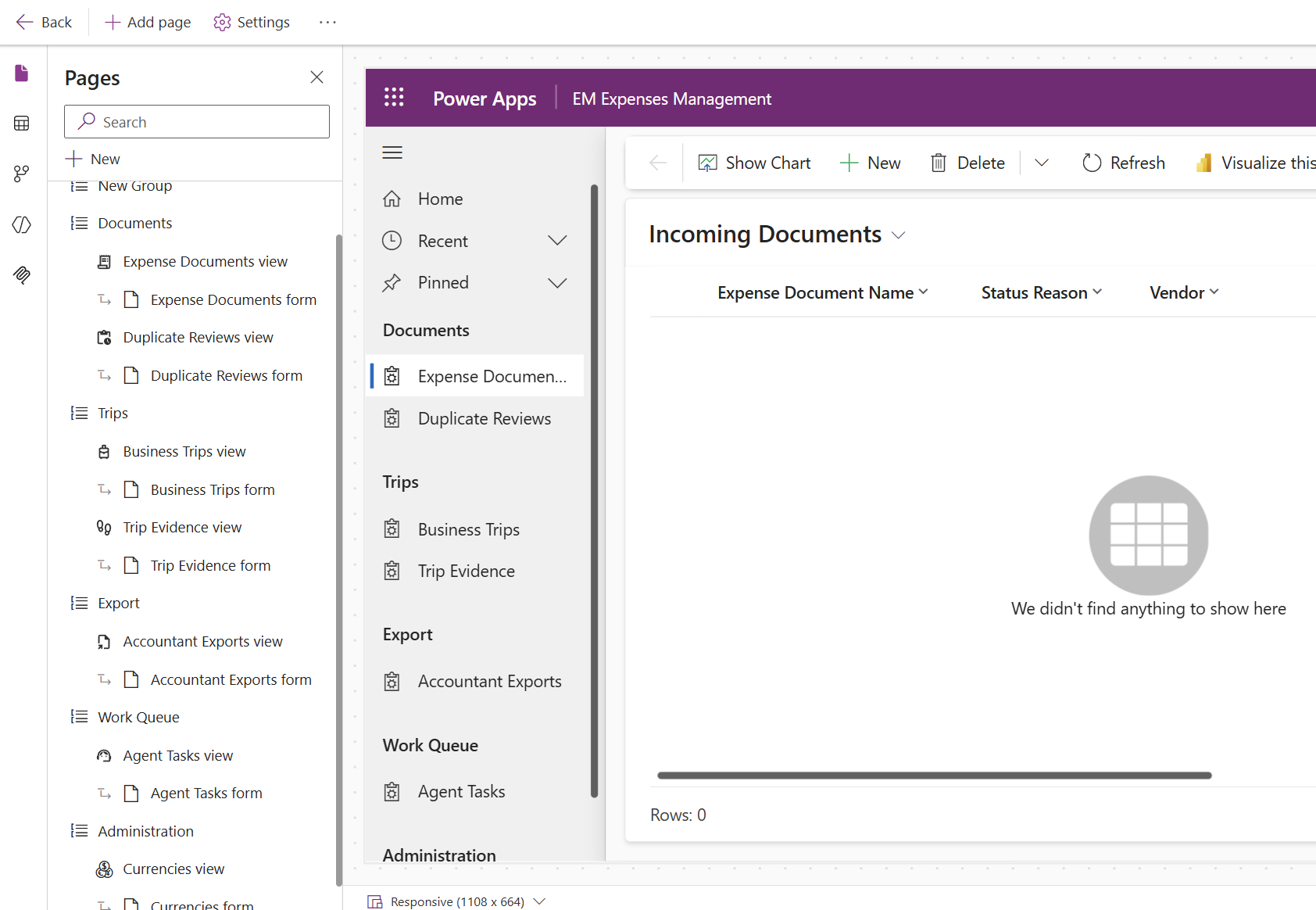
What started as a spec, turned into a plan, turned into YAML files, turned into this.
Implementation cycle complete. The foundation was live.
What’s Standing
First implementation cycle done. Tables, relationships, views, model-driven app, and security roles are in place. The Dataverse foundation is ready to use.
But not fully. Reviewing the remaining spec tasks surfaced a gap. The spec described the desired final state of my solution, including how status transitions between records should be handled. That logic isn’t implemented and can’t be tested yet.
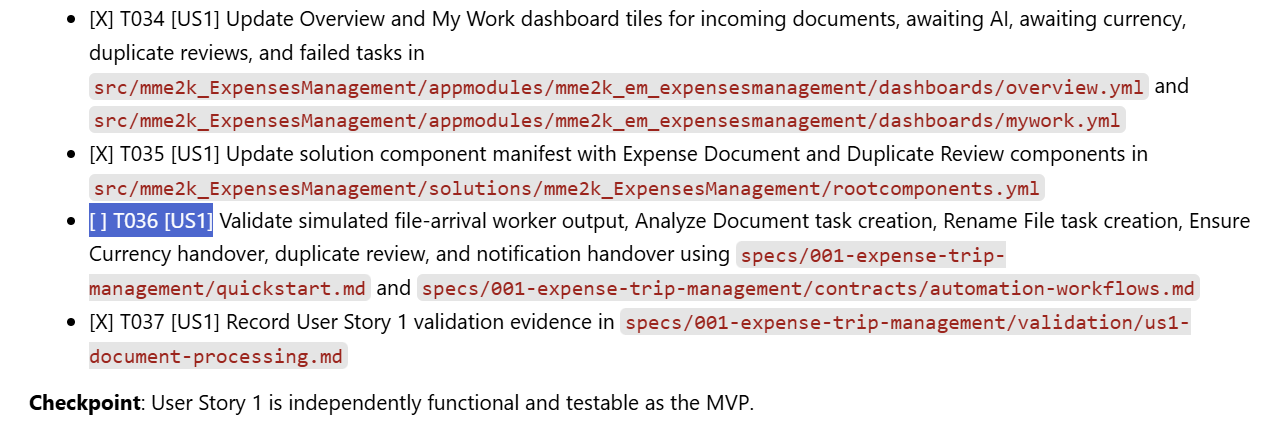
From those gaps, I used GitHub Copilot to generate a backlog. Future specs will pick up directly from there.
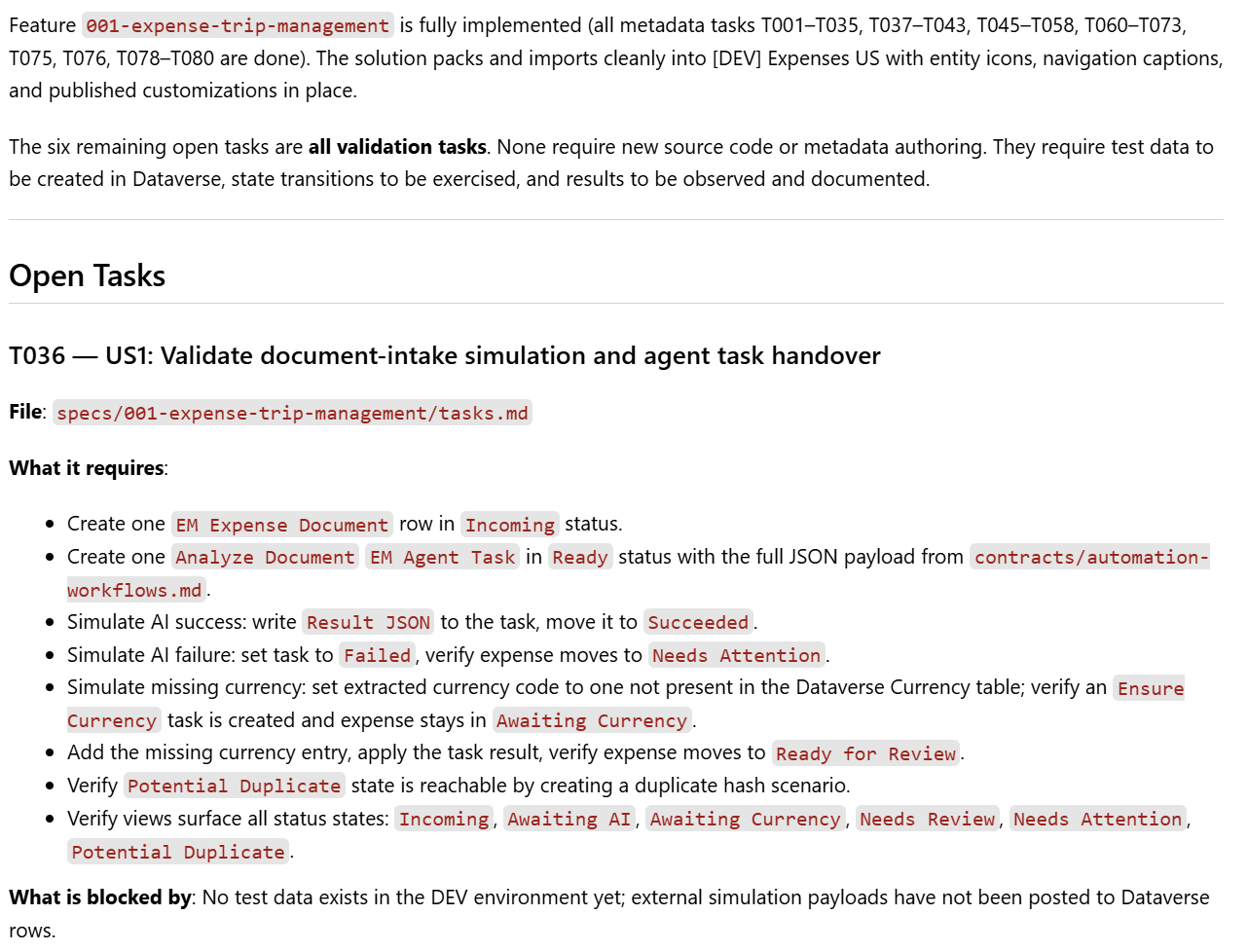
Some of it belongs to other components in the system. SDD lets me work piece by piece without losing sight of the overall solution.
The story doesn’t end here. This is a handoff. The Dataverse foundation itself is ready for the next phase of specification and development.
Four Instructions, One Direction
Less than an hour of actual implementation. A working Dataverse solution with tables, relationships, views, and a model-driven app. All the naming conventions, prefix rules, relationship configurations, form layouts, and view settings. Handled correctly, consistently, first time.
The reason it worked isn’t the tools. It’s the structure.
The spec defines what to build. The plan provides the implementation details. Each task gives Copilot a single, focused goal. The constitution sets the guardrails that apply to everything.
Four instructions, all pointing in the same direction. Four different angles of context that narrow what AI can reasonably produce.
That’s what makes the output predictable. Not just fast. Predictable.
As a citizen developer working manually I would need hours just to get the naming right. With SpecKit providing the structure, Copilot doesn’t guess. It knows what to build, how to build it, what rules to follow, and what one thing to do right now.
That’s the real point of any GitHub Copilot Dataverse project. Build spec-first with GitHub 🌱 SpecKit, define the plan, let AI author the YAML, and ship with PAC CLI.